1
CommPAK I/O8
Wireless On/Off Control USER MANUAL
on the Outputs of the either this radio or
another radio.
Using a Relay as an Output
Connection with I/O8 Radios
The Outputs are programmed so that the
installed Open Collector Output is used as the
activation switch for your system.
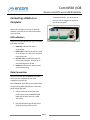
The following application shows how to connect
a relay to your COMMPAK I/O8 radio Output.
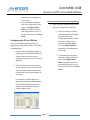
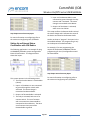
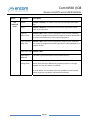
For example, if we are programming the
outputs of another COMMPAK I/O8 the
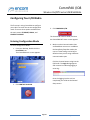
programming for the I/O configuration would
be shown below:
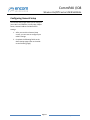
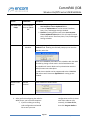
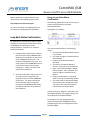
In order to drive a relay or contactor load,
connect the COMMPAK I/O8 radio to the relay
as shown below:
Damage to the COMMPAK I/O8 outputs may
occur if the COMMPAK I/O8 maximum output
ratings (current and voltage) are exceeded.
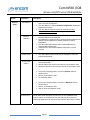
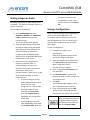
The Output 1 of our Remote Radio is going to be
activated by Radio address 0 (this being our
Master radio with the Open Collector input
relay) and the corresponding Input number.
You do not have to “program” the Inputs in the
ControlPAK software. The programming is only
on the Outputs of the either this radio or
another radio.
Any Output can activate any Input.
The Outputs are programmed so that the
installed Open Collector Output is used as the
activation switch for your system.
For more information on configuring refer to
the section on Configuring Your I/O8 Radio.
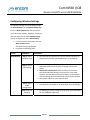
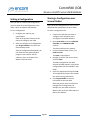
For example, if we are programming the
outputs of another COMMPAK I/O8 the
programming for the I/O configuration would
be shown below:
The Output 1 of our Remote Radio is going to be
activated by Radio address 0 (this being our
Page 26
© 2009 Encom Wireless Data Solutions. All Rights Reserved