1
USO RESTRITO
SDI I/O Card Connection Reference
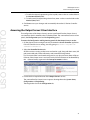
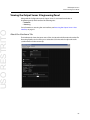
Accessing the I/O Device Controller Engineering Panel
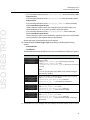
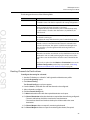
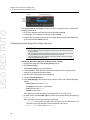
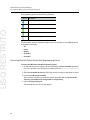
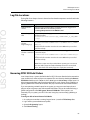
The Engineering panel uses the following indicators:
Indicator Description
Output spigot
Output spigot (Corvid 88 ports 5 - 8 only)
Input spigot
Input spigot (Corvid 88 ports 5 - 8 only)
Reference input spigot
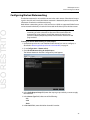
The drop-down menu on the bottom right can be used as a filter to show different inputs
and outputs individually:
• All
• Inputs
• Output
• Channel A
• Channel B
Accessing the I/O Device Controller Engineering Panel
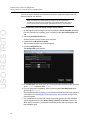
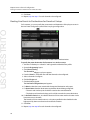
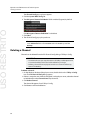
To access the I/O Device Controller Engineering panel:
1 On the playout server running the service, maximize the Server Controller application.
If Server Controller is not running, it can usually be found in Start>All Programs>iTX
2.0.
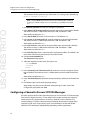
2 Select the Controlled Services tab. All of the services running on that server are listed.
3 Double-click I/O Device Controller.
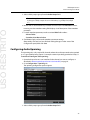
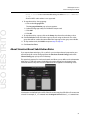
The I/O Device Controller user interface appears. It includes tabs for Service Details,
Trace Logs, Installation Info, Configuration and Engineering.
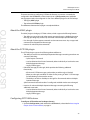
4 Click on the Engineering tab.
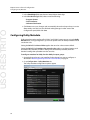
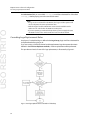
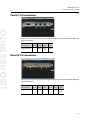
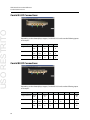
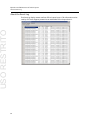
The schematic for your SDI I/O card appears.
56