1
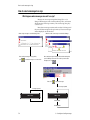
How to use real-time data in a message
How to use real-time data in a message
String Variables + ActiveX® = real-time data
Data from external sources (for example, Microsoft® Excel, Access,
and Visual Basic® software) can be displayed on Alpha® signs by using
two features included in AlphaNET™ 2.0.3 software:
•
•
HINT
The AlphaNET™ 2.0.3
software CD ROM contains
examples on using the
Alpha® String Update
Control.
String variables
Alpha® String Update Control (an ActiveX® component)
A variable in the AlphaNET™ 2.0.3 software represents real-time
data that can change (for example, temperature or production rates, date,
or time). Variables can be put into messages.
The value of a variable can be changed using the Alpha® String
Update Control. Because this is an ActiveX® control, it can be used with a
variety of ActiveX®-compatible applications, such as Microsoft® Excel,
Access, and Visual Basic® software.
NOTE:
Besides using the Alpha® String Update Control, you
can also write your own application to update variables.
For more information, see the Alpha® Sign
Communications Protocol manual.
Real-time data example
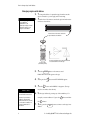
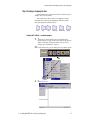
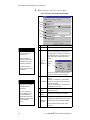
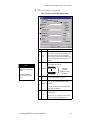
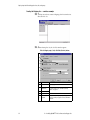
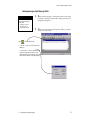
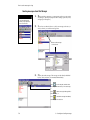
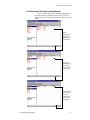
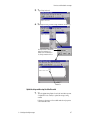
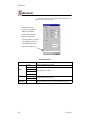
Create sign memory configurations using Site Manager
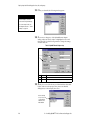
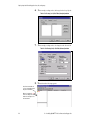
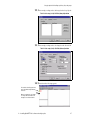
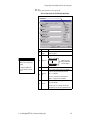
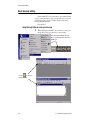
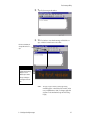
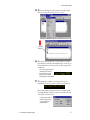
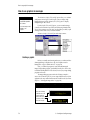
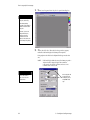
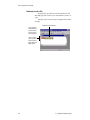
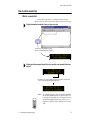
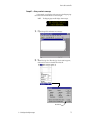
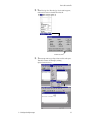
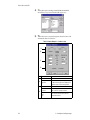
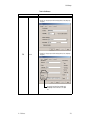
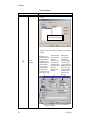
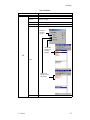
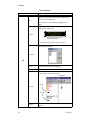
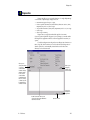
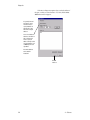
1. In Site Manager, double-click the site for the sign which will use
string variables. Then click the Advanced tab.
3 — Creating and sending messages
95