1
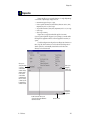
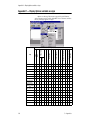
Message Editor
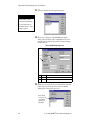
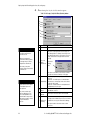
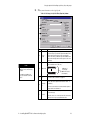
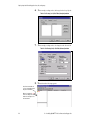
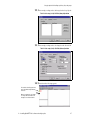
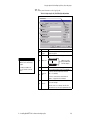
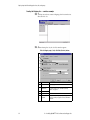
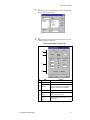
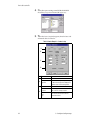
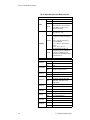
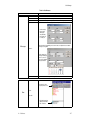
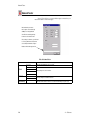
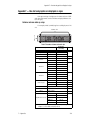
Table 28: Message Editor
Menu Item
Description
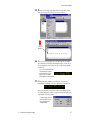
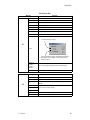
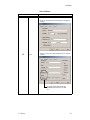
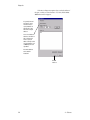
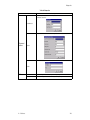
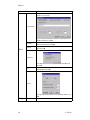
Sets whether text or pictures will be displayed in a message for modes,
characters, and options.
Icon type...
Picture
Text
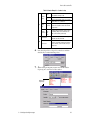
Define Tab Key
Middle Roll In
15/16 Row
Sets the number of spaces that are advanced when the Tab key is pressed.
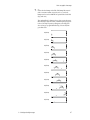
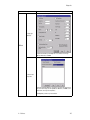
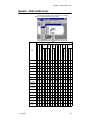
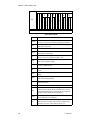
Displays the modes, characters, and options available for the Sign type and Sign
style selected below:
Edit
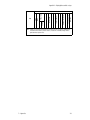
(continued)
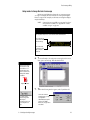
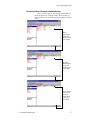
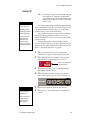
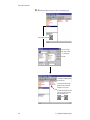
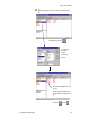
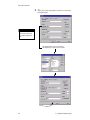
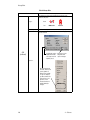
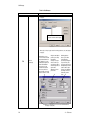
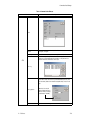
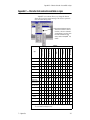
As of May 2001, only the
AlphaPremiere™ 9000
series signs can use the
Alpha 2.0 protocol.
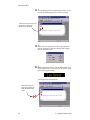
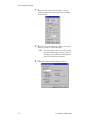
Check these to use the
String and Counter
options in messages.
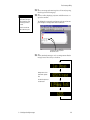
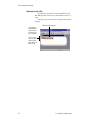
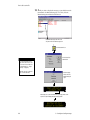
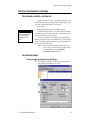
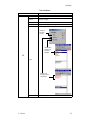
Sign Select...
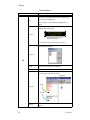
Checking this displays all
the modes, characters, and
options, regardless of
whether they are available
on a sign. For example, if
you did not check this box
for the two-line tri-color
sign above, several
characters would not be
available (dimmed) in
messages.
106
4 — Reference