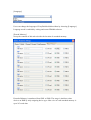
1
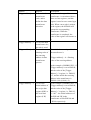
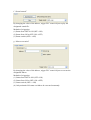
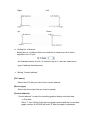
d. X axis w/ scaling
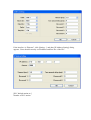
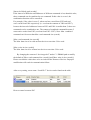
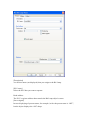
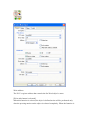
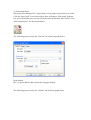
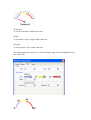
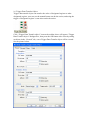
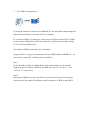
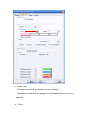
The object is only allowed to move by the designated scale along the horizontal
X-axis. Supposed that the value of the designated register is DATA, and the following
formula can calculate the moving distance on the X-axis.
X axis move distance =
(DATA – [Input low]) * ([Scaling high – Scaling low]) / ([Input high] – [input low])
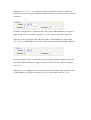
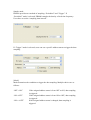
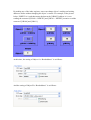
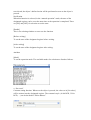
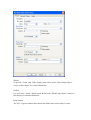
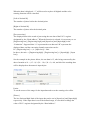
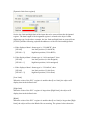
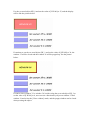
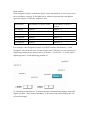
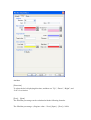
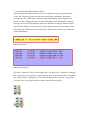
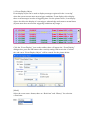
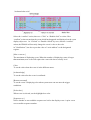
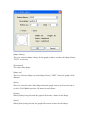
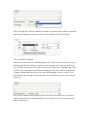
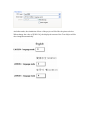
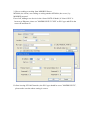
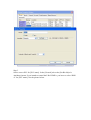
For example, the object is only allowed to move within 0~600, but the range of the
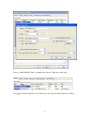
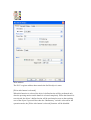
register’s value is 300~1000, set [Input low] to 300 and [Input high] to 1000, and set
[Scaling low] to 0 and [Scaling high] to 600, and the object will move in the
designated range.
e. Y axis w/ scaling
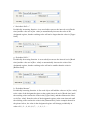
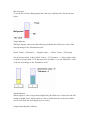
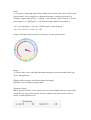
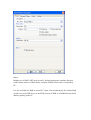
The object is only allowed to move by the designated scale along the vertical Y-axis.,
and the formula to calculate the moving distance on the Y-axis is the same as the one
in “X axis w/ scaling.”
f. X axis w/ reverse scaling
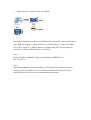
This function is the same as “X axis w/ scaling”, but the moving direction is reverse.
g. Y axis w/ reverse scaling
This function is the same as “Y axis w/ scaling”, but the moving direction is reverse.
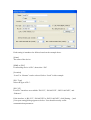
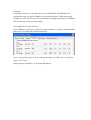
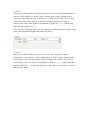
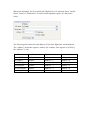
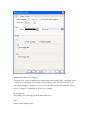
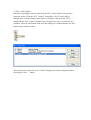
Display ratio
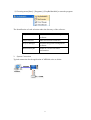
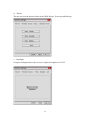
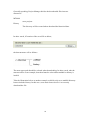
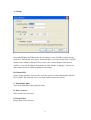
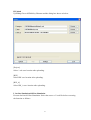
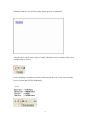
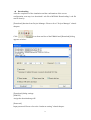
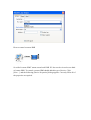
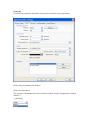
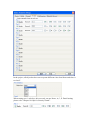
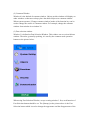
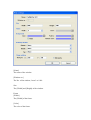
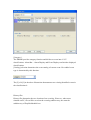
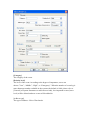
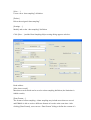
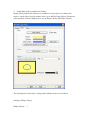
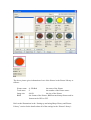
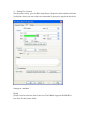
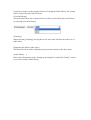
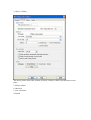
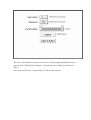
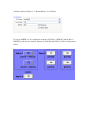
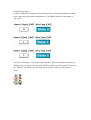
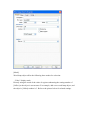
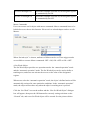
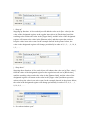
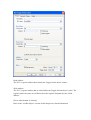
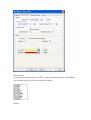
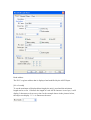
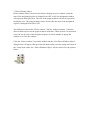
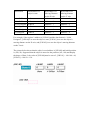
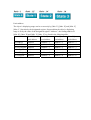
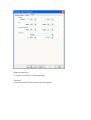
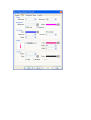
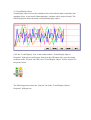
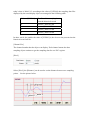
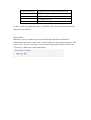
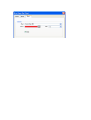
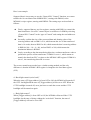
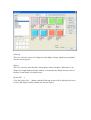
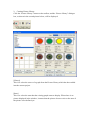
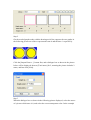
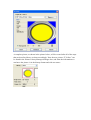
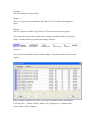
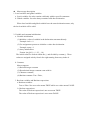
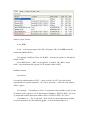
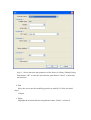
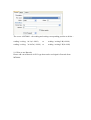
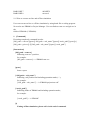
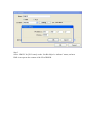
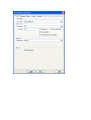
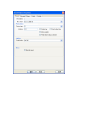
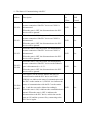
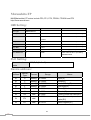
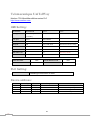
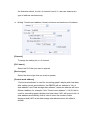
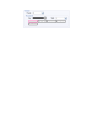
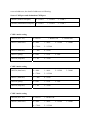
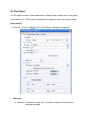
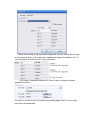
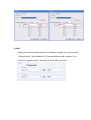
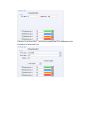
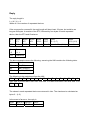
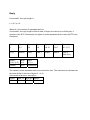
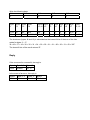
The displaying size of object’s shape in different states can be set individually as
shown in the picture below.