1
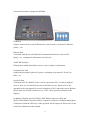
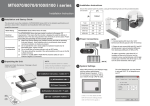
z Downloading
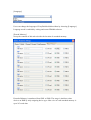
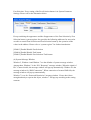
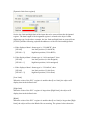
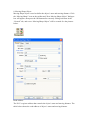
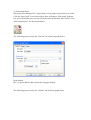
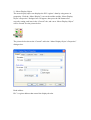
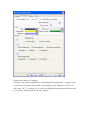
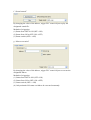
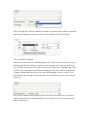
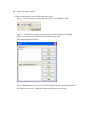
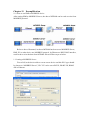
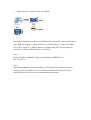
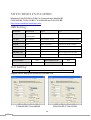
After the completion of the simulation and the confirmation of the screen
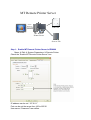
configuration, next step is to download *.xob file to MT8000. Downloading *.xob file
can be done by:
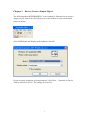
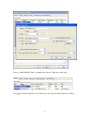
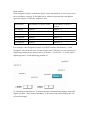
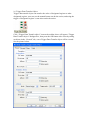
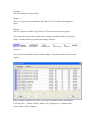
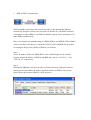
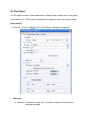
[Download] function from Project Manager. Please refer to” Project Manager” related
chapters.
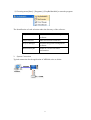
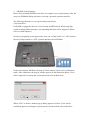
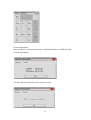
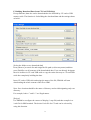
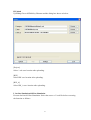
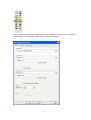
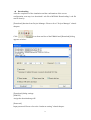
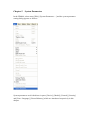
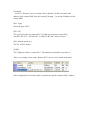
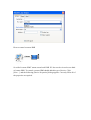
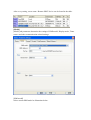
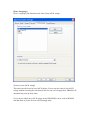
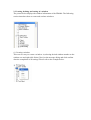
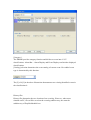
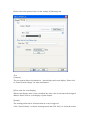
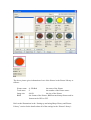
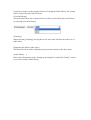
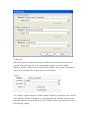
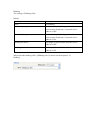
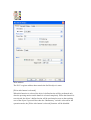
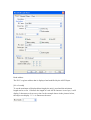
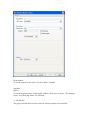
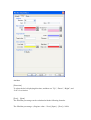
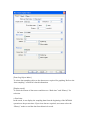
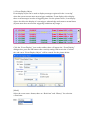
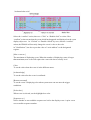
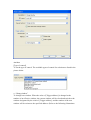
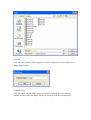
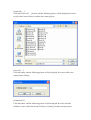
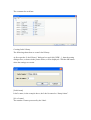
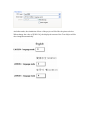
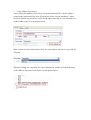
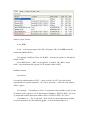
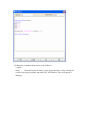
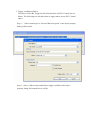
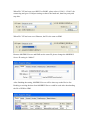
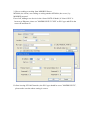
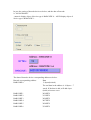
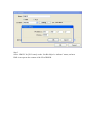
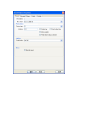
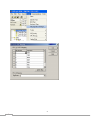
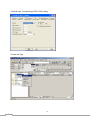
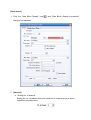
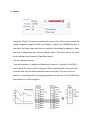
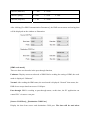
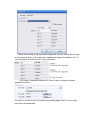
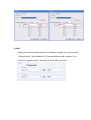
Click
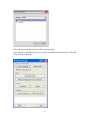
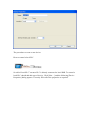
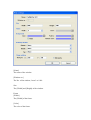
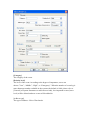
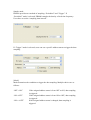
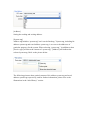
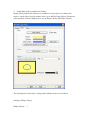
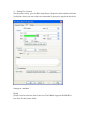
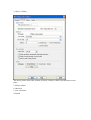
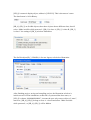
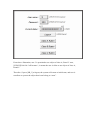
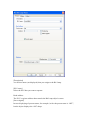
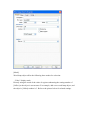
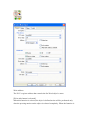
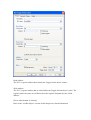
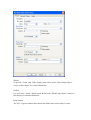
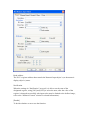
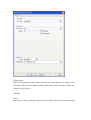
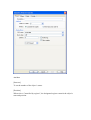
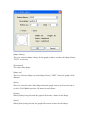
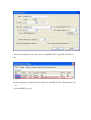
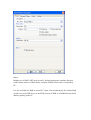
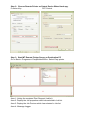
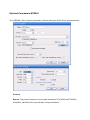
appears as below:
icon from tool bar of the EB8000 and [Download] dialog
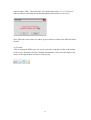
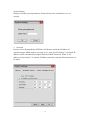
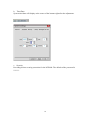
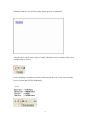
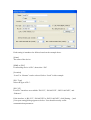
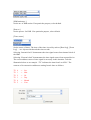
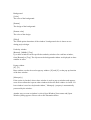
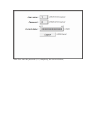
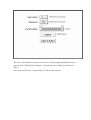
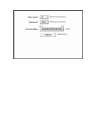
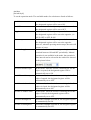
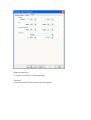
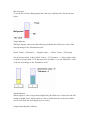
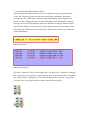
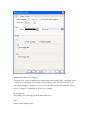
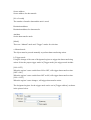
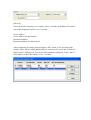
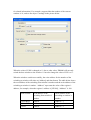
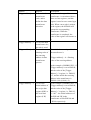
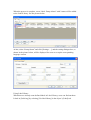
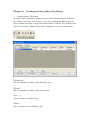
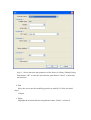
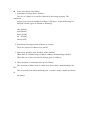
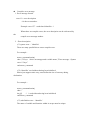
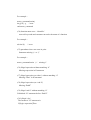
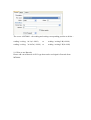
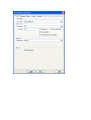
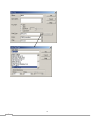
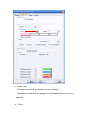
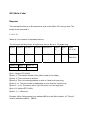
[Download] dialog settings:
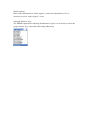
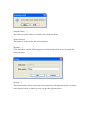
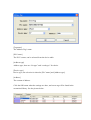
[HMI IP]
Assign the download target IP
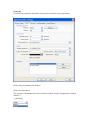
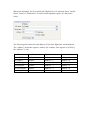
[Password]
Input password. Please refer to the “hardware setting” related chapter.
3