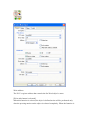
1
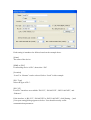
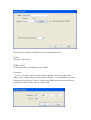
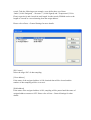
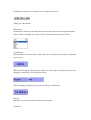
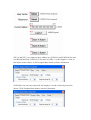
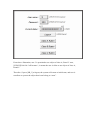
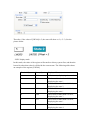
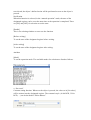
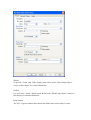
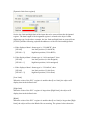
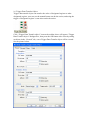
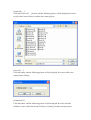
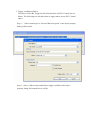
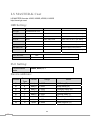
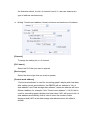
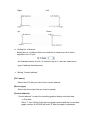
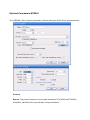
b. “Increment value (JOG+)”
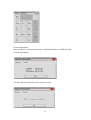
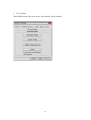
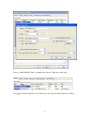
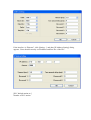
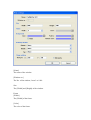
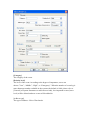
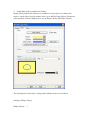
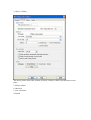
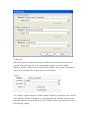
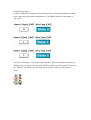
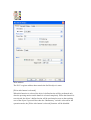
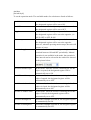
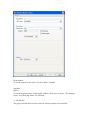
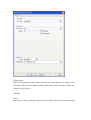
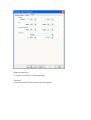
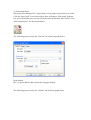
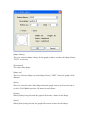
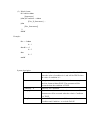
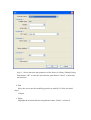
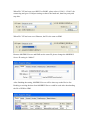
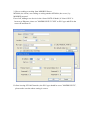
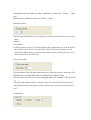
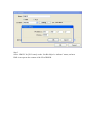
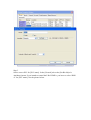
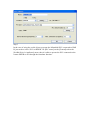
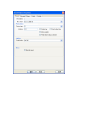
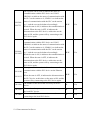
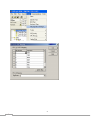
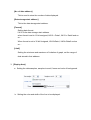
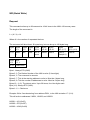
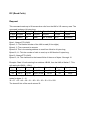
Increment value function. Whenever the object is pressed, the value set in [Inc. value]
will be added to the value of the designated register, but the resulting value will not be
larger than the value in [Upper limit].
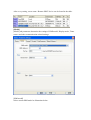
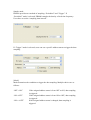
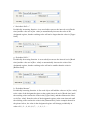
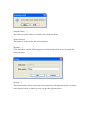
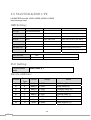
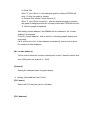
c. “Decrement Value(JOG-)”
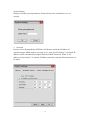
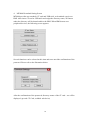
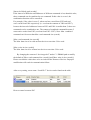
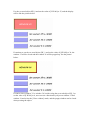
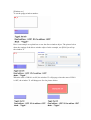
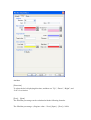
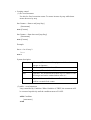
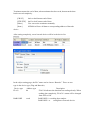
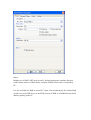
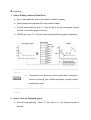
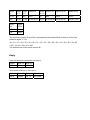
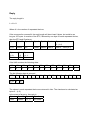
Decrement value function. Whenever the object is pressed, the value set in [Dec.
value] will be subtracted from the value of the designated register, but the resulting
value will not be smaller than the value in [Bottom limit].
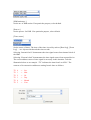
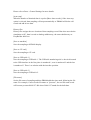
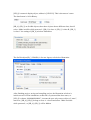
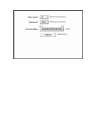
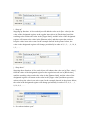
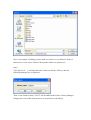
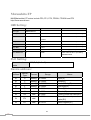
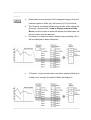
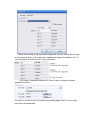
d. “JOG++”
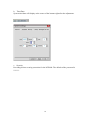
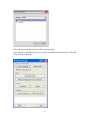
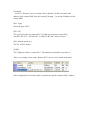
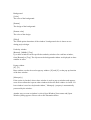
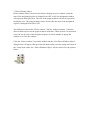
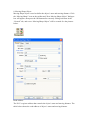
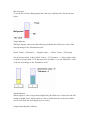
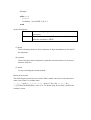
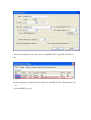
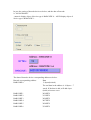
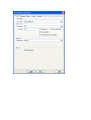
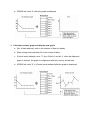
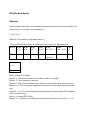
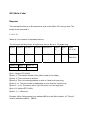
Press and hold increment function. When the time of the object being pressed is
longer than the time set in [JOG delay], the value of the designated register will be
added by the value set in [Inc. value] at the speed set in [JOG speed], but the resulting
value will not be larger than the value in [Upper limit].
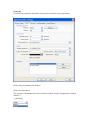
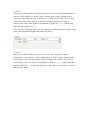
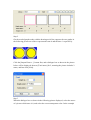
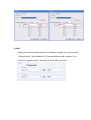
e. “JOG--”
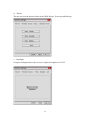
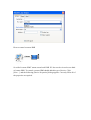
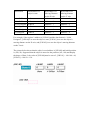
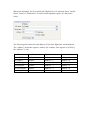
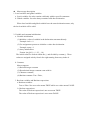
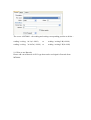
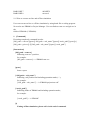
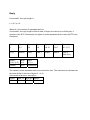
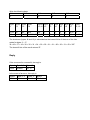
Press and hold decrement function. When the time of the object being pressed is
longer than the time set in [JOG delay], the value of the designated register will be
subtracted by the value set in [Dec. value] at the speed set in [JOG speed], but the
resulting value will not be smaller than the value in [Bottom limit].