1
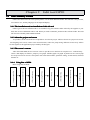
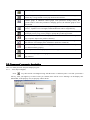
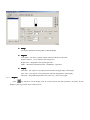
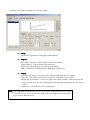
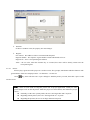
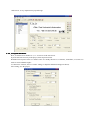
【F6】Function:Set Coil, Coil No. M26;Choose “Momentary ON”.
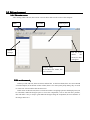
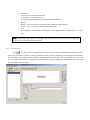
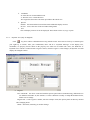
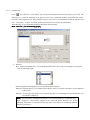
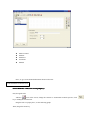
Finally, add six
keys in the screen, modify the content separately as “Monitor”, “Back”, “Automatic”,
“Power”, “Stop”; set the font and functions:
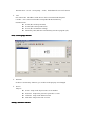
【Monitor】Screen Jump; Jump to screen 2
【Back】Screen Jump; Jump to screen 1
【Manual】Screen Jump; Jump to screen 4
【Power】Set Coil; Coil No.:M50;Choose “Inverse”
【Stop】Set Coil; Coil No.:M51;Choose “Momentary ON”
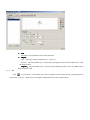
Here, we finish editing [Manual] screen.