1
【Manual】Screen Jump, Jump to screen 5
Here, we finish editing [Automatic] screen.
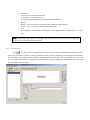
Edit Manual Screen
one title
two function keys
two screen jump keys
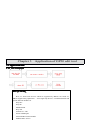
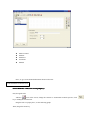
Screen Elements
Elements:one
title、two
keys、two
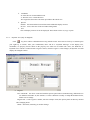
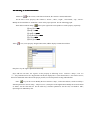
First, design the title
title:
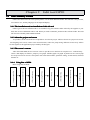
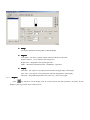
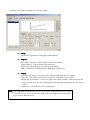
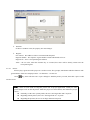
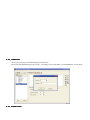
Add one
icon in the screen, modify the content as “Manual”, choose “Inverse”, set the font.
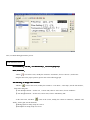
Drag the title to the proper position, please refer to the following graph:
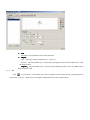
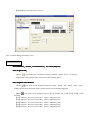
Next, design the other elements:
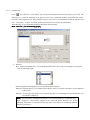
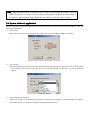
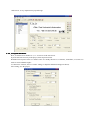
Add six
icons in the screen, modify the content as “Light”, “Pump”, “Up”, “Down”, “Start”, “Stop”;
modify the font, place them in the proper position, please refer to the following graph:
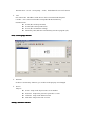
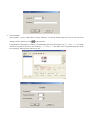
Add six
icons in the screen, modify each key as:【 F1】、【 F2】、【 F3】、【 F4】、【 F5】、【 F6】, set the
functions:
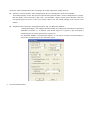
【F1】Function:Set Coil, Coil No. M21;Choose “Momentary ON”.
【F2】Function:Set Coil, Coil No. M22;Choose “Momentary ON”.
【F3】Function:Set Coil, Coil No. M23;Choose “Momentary ON”.
【F4】Function:Set Coil, Coil No. M24;Choose “Momentary ON”.
【F5】Function:Set Coil, Coil No. M25;Choose “Momentary ON”.