1
Submitting Processes
■
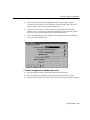
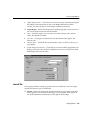
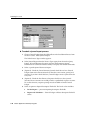
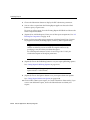
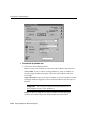
Import without Validation — General Ledger imports descriptive flexfield
values without validating them.
7.
(Optional) Enter a Date Range in the Start and End fields. Use this step to limit
the lines to be imported when there are journal lines with different accounting
dates.
8.
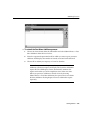
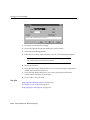
Choose OK to submit your request, or Cancel to abandon.
Note: Once you submit the process, the system starts a journal
import concurrent request and displays the journal import request
ID. The Request Center automatically monitors the request and
notifies you of the completion status when it is done.
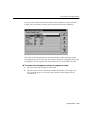
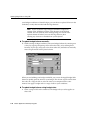
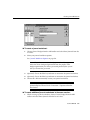
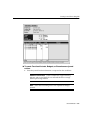
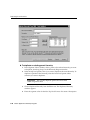
◗◗ To delete journal import data:
1.
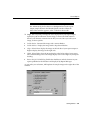
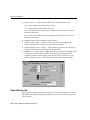
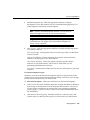
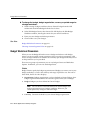
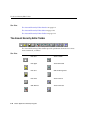
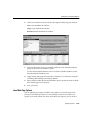
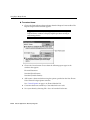
Choose General Ledger from the ADI toolbar and select Submit Process from
the list of values. Select Journal Import.
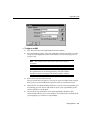
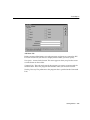
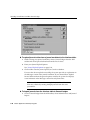
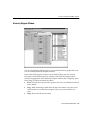
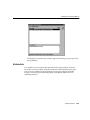
The Select Process Type window appears.
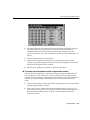
2.
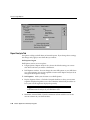
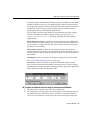
Select Delete Journal Import Data from the Process Type region, then choose the
Query button. All available journal sources appear in the Parameters region.
Information for each journal source includes Source, Group ID, Request ID, and
number of Records.
Getting Started 3-45