1
11
Import Text File
Import Text File Feature
The Import Text File feature allows you to import data from legacy systems, third
party payables applications, barcode scanners, or any other flat data file sources, to
your worksheet. Using the Import Text File feature, you can map fields in your
source file to fields in your worksheet. Once you have created the map using the
Import Text File feature, you can save it and apply it to future conversions.
Prerequisites:
❏
Create an asset or inventory worksheet in which you will import data.
See Also:
Importing Data into a Worksheet on page 11-1
Import Text File Parameters on page 11-2
Importing Data into a Worksheet
◗◗ To import data into your worksheet:
1.
Open the asset or physical inventory worksheet to which you are mapping
data.
2.
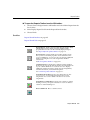
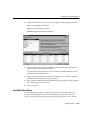
Choose the Assets button from the ADI toolbar.
3.
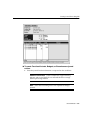
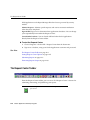
Choose Import Text File from the Assets toolbar.
4.
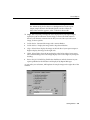
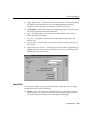
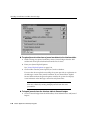
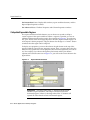
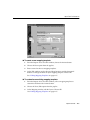
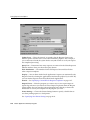
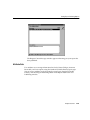
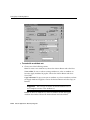
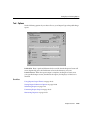
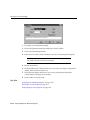
Enter your Import Text File parameters.
Import Text File 11-1