1
Page 40
Exercise
Import a velocity data set
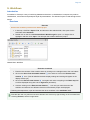
Velocities are often provided as ASCII column files. The file should contain the shot point, time, and
velocity. The file may also contain coordinates. In our training data set, there are no coordinates,
therefore we need to assign navigation from a navigation data set. If the file contains velocities from
more than one line, it should also have a column with the line name.
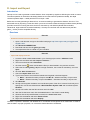
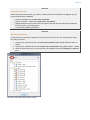
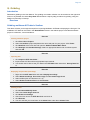
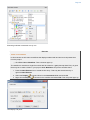
1. Locate the folder 3. Sediment Data / Velocities / Stacking Velocities
2. Right click the folder and select the command object Import > Stacking Velocities (no
navigation)
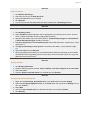
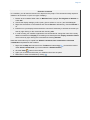
3. Browse in the data set called ATL-LOS-00.vel
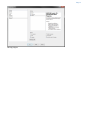
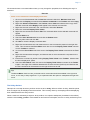
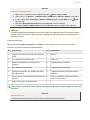
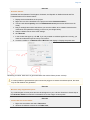
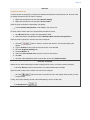
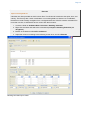
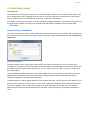
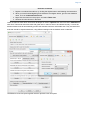
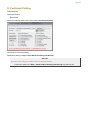
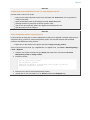
4. Adjust the columns according to the following screen shot, and click Execute
Stacking Velocities import menu