1
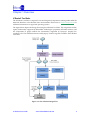
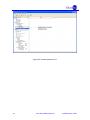
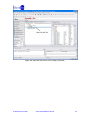
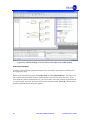
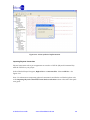
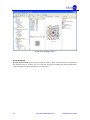
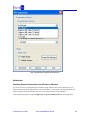
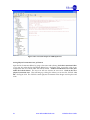
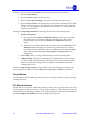
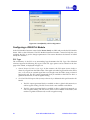
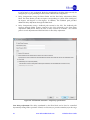
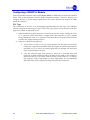
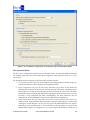
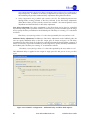
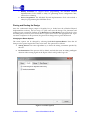
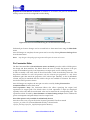
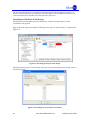
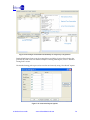
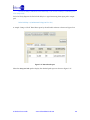
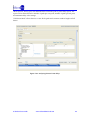
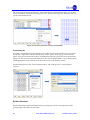
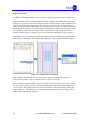
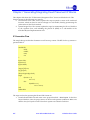
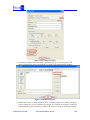
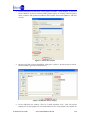
The next step is to import the files for Place and Route. Double-click on Import P&R Input Files
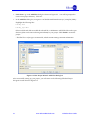
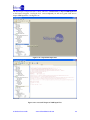
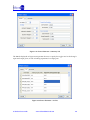
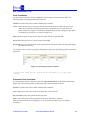
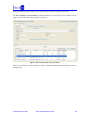
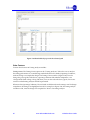
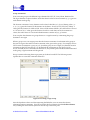
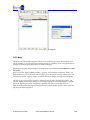
in the Project Navigator. See Figure 2-27. Once completed you will see a green check next to
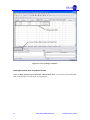
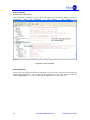
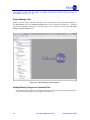
Import P&R Input Files. See Figure 2-28.
Figure 2-27 : Double-click on Import P&R Input files
iCEcube2 User Guide
www.SiliconBlueTech.com
30