1
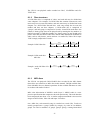
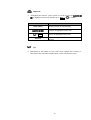
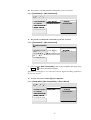
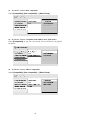
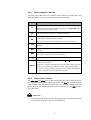
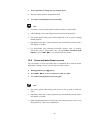
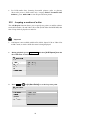
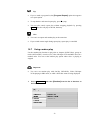
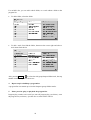
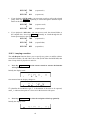
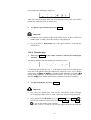
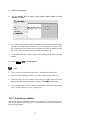
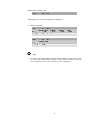
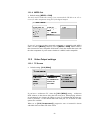
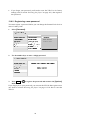
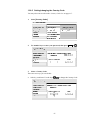
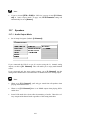
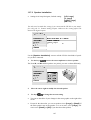
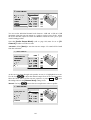
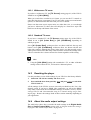
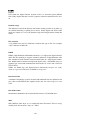
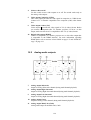
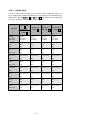
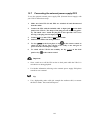
One moment later the display changes to:
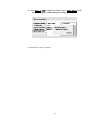
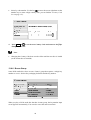
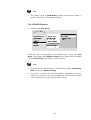
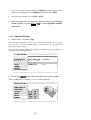
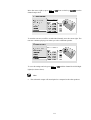
After you selected end point B the loop starts playing at start point A and will be
played back until point B in an endless loop.
3.
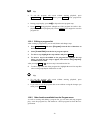
To quit the repeat function press key Clear.
Important
·
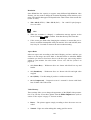
A-B Repeat is not available with SACDs, MP3s, Super VCDs or Video CDs
in PBC mode, or while a DVD disc menu is being displayed.
·
If you playback a DVD-Audio, the A-B repeat functions works like described above.
10.9.4 Random play
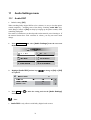
1.
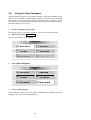
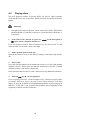
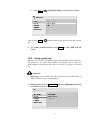
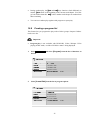
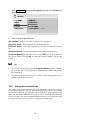
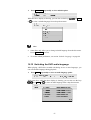
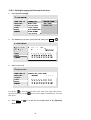
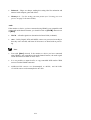
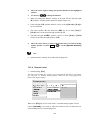
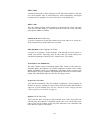
Press key Random on the remote control to activate the random play
function.
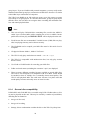
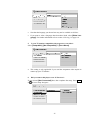
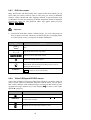
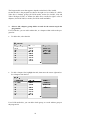
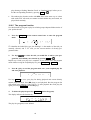
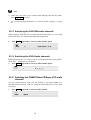
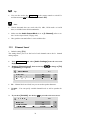
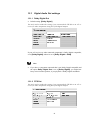
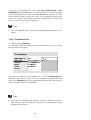
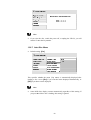
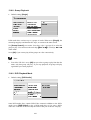
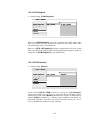
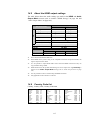
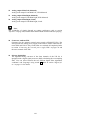
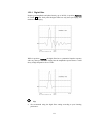
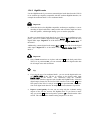
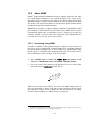
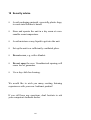
The display indicates that the random play function is active.
CD identifies the loaded disc type, 3 is the number of the track currently played
back and RDM indicates that the random play function is now active. During
random play, the▐◄◄ and ►►▌ keys function a little differently to normal: ▐◄◄
returns to the beginning of the current track/chapter. You can't go back further
than this. ►►▌selects another track/chapter at random from those remaining.
2.
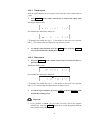
To quit random play, press key Clear.
Important
·
You can’t use random play with SACDs, DVD-RWs, Video CD/Super
VCDs playing in PBC mode, or while a DVD disc menu is being displayed.
·
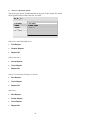
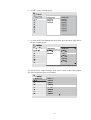
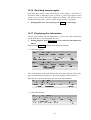
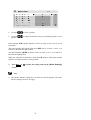
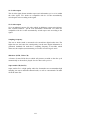
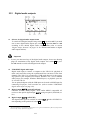
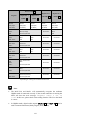
If you playback a DVD-Audio, press key Random once and Ent. or
to
activate the random track function. Press key Random once and Ent. or
to activate the random group function.
If you have your TV set active, you will get support from the on-screen dis-
63