1
·
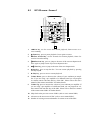
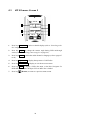
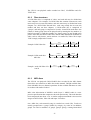
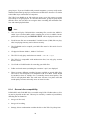
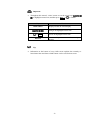
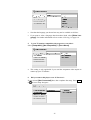
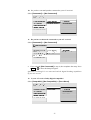
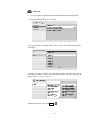
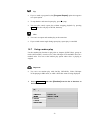
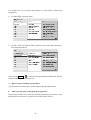
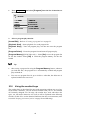
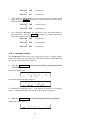
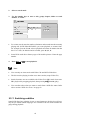
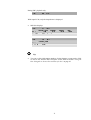
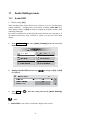
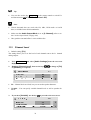
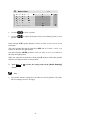
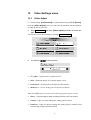
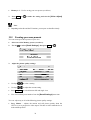
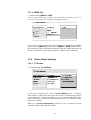
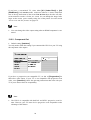
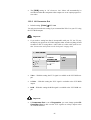
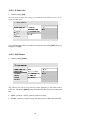
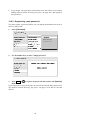
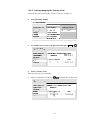
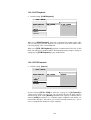
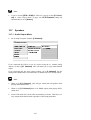
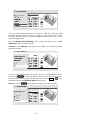
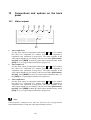
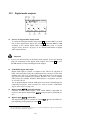
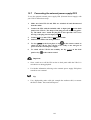
Use keys
·
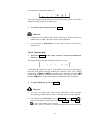
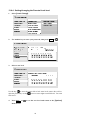
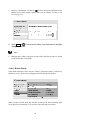
Use keys
speaker.
to select a speaker.
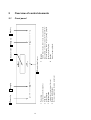
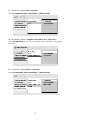
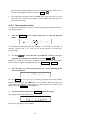
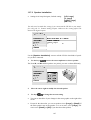
to adjust the distance from your listening position to your
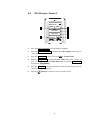
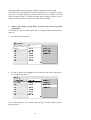
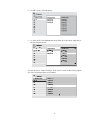
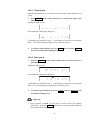
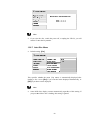
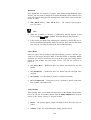
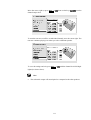
Front left/right (L/R) speaker distances can be set from 30 cm to 9 m in 10 cm
increments.
The center speaker (C) and the subwoofer (SW) can be set from –2 m to +2 m
relative to the front left/right speakers.
Surround left/right (LS/RS) speakers can be set from –6 m to +2 m relative to
the front left/right speakers.
When you adjust the front left (L) or front right (R) speaker, all the other speaker
distances are adjusted relative to that speaker.
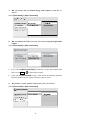
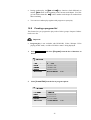
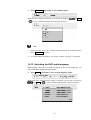
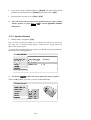
3.
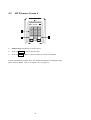
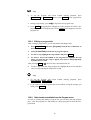
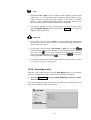
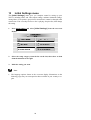
Press Ent. or
screen.
to make the settings and exit the [Audio Settings]
Note
·
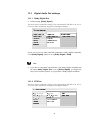
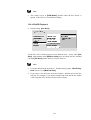
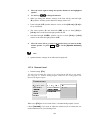
The speaker distance settings have no effect on SACD playback. The channel level settings, however, do apply.
76