1
54
Data Window
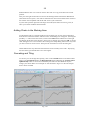
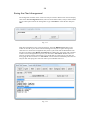
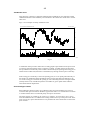
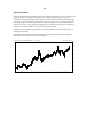
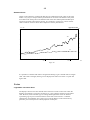
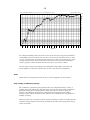
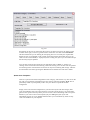
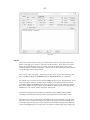
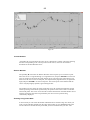
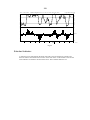
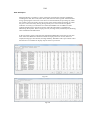
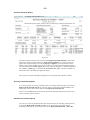
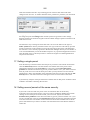
In addition to these you can access a small window from the Chart Edit screen which will
display data from past dates as a cursor is moved along the chart.
The Undo Facility
There is an undo facility that will allow you to reverse the last 100 changes that you have
made on the current chart. You can actually move backwards and forwards through the
sequence of screen changes that have occurred since you last switched to that window.
Managing your charts
This section will detail the specific operations required to perform the various functions
outlined in the previous section of this chapter. Let us first learn to create and manipulate the
charts we will be using.
Creating and Manipulating Charts
Quickchart Current File
When Insight Trader first opens it automatically loads a security file called the default
security file. This is factory preset to be CSL but it can be changed to be any other security,
from Format at the main menu as will be described in a later chapter.
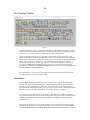
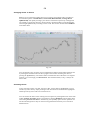
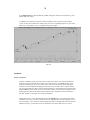
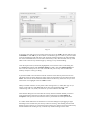
The quickest way to create a chart is to click once on the first button on the main toolbar
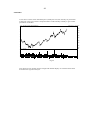
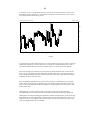
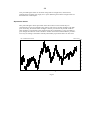
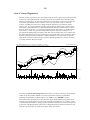
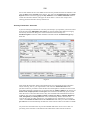
Quick chart current file. A window will appear with a bar chart of the default file CSL.
Pressing this toolbar button is equivalent to clicking View on the main menu and then
clicking the first item on the submenu Kwickchart. This is an example of how toolbar
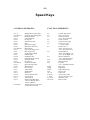
buttons are identical to menu items but quicker to use. The equivalent speedkey for this
operation is Alt C
If you press this button again you will see that it does not cause another window to appear
but will merely redraw the chart in the current window. The only time that it adds another
window is if there are currently none in the working area. If there is more than one window,
Kwickchart redraws the chart in the window that is currently active - ie the one with the
highlighted title bar.
Chart New Security in the Active Window
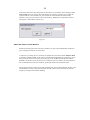
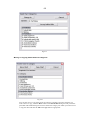
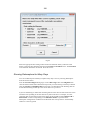
If you wish to see another security in the same window simply press the N key (N for New)
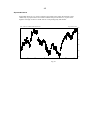
and a dialog box will appear requesting you to enter its code. Type in ANZ and click OK or
hit ENTER. This is the easiest way to change the security in the active window. Another way
to achieve the same thing is to take the mouse cursor to the active window and click the right
button to bring up the floating toolbar.