1
13
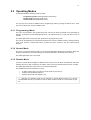
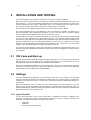
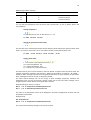
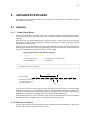
You can send the same commands to TC from HyperTerminal as you would send you’re
your mobile phone. It takes about 5 seconds before the serial connection is established.
If you are in Scandinavia, the font type must be changed to “Courier New” from the View menu.
Otherwise, Scandinavian characters (ÅÄÖ) will not appear correctly on the screen. In addition, change
“Line Delay” to 100ms from File / Properties / Settings / ASCII / Setup / Line Delay. This gives TC
enough time to process each command after you hit enter.
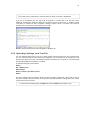
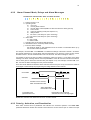
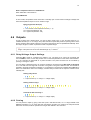
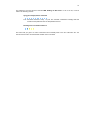
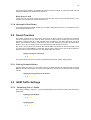
Picture HyperTerminal program that is available on Windows XP.
3.2.2 Uploading Settings from Text File
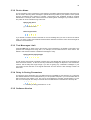
You can upload a settings file to your TC by simply clicking “Send Text File” from your HyperTerminal.
You can create the text file from scratch with Notepad or use a template file as the basis for your
settings. This allows you to plan your settings carefully and send them to TC quickly in one session after
the physical installation of the device is complete.
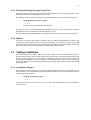
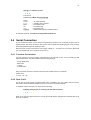
An example setup file is shown below:
#A33 3
#P1 +358xxnnnnnn
#A10 Cottage
#I2 2 0 1 60 Door open $Door closed
#A33 0
The above settings have the following effect: the alarm message “Cottage IN2:+ Door open” is sent to
the phone number in directory location P1 if the input 2 becomes activated. “Cottage IN2:- Door closed”
is sent when the door is closed.
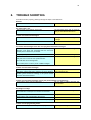
The text file must always begin with #A33 3 and end with #A33 0 (see chapter 5.3.4).