1
IV
Software Introduction
Control Panel
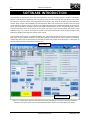
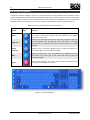
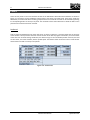
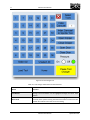
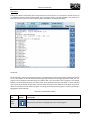
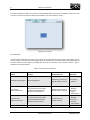
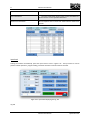
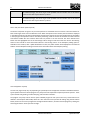
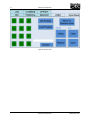
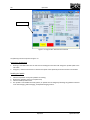
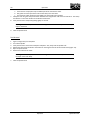
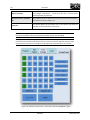
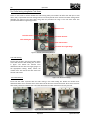
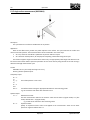
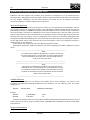
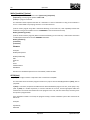
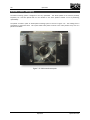
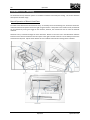
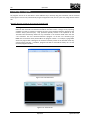
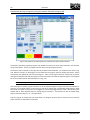
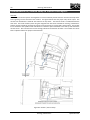
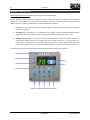
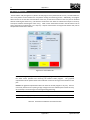
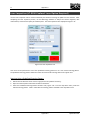
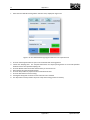
The panel in the bottom right corner of the Main Interface Window is the Control Panel as seen in Figure 4.9. The
Control Panel is the primary interface through which the user runs CNC programs and operates the laser and tool
changer if available. The four tabs in this panel are for program running, part patterning, laser operation, and
manual tool changer setup and operation.
Tabs
Figure 4.9: Control Panel
Program Tab
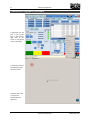
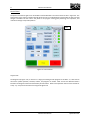
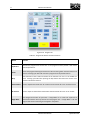
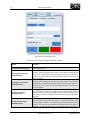
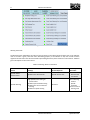
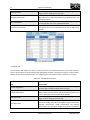
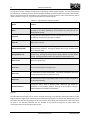
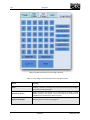
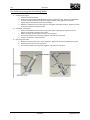
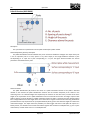
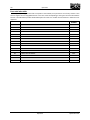
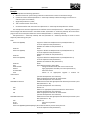
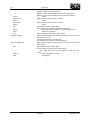
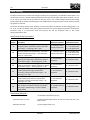
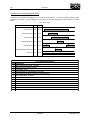
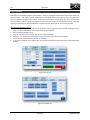
The Program Tab, Figure 4.10, is used to run a single pre-existing G-code program on the 363-S. It is also used to
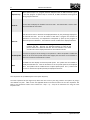
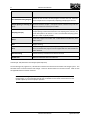
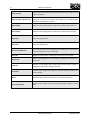
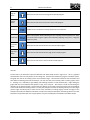
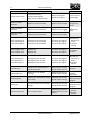
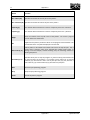
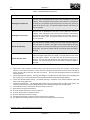
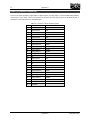
control the spindle operation, feedrate, coolant, and program run modes. Table 4.2 lists the different buttons
located in the Program Tab and the functionality of each button. Refer to the Operation section of this manual for
a step – by – step set of instructions for using the Program Tab.
22
Software Introduction
September 2011