1
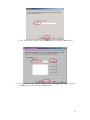
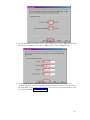
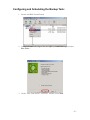
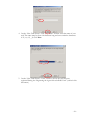
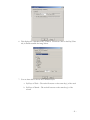
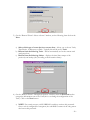
c. Custom – You may specify your own custom schedule by entering time and
date information. A custom schedule entry requires a specific syntax that
must be adhered to in order to function properly. Use the following format
to enter your custom schedule data: min/hour/day/month/dow (days of
the week).
Values: Minutes (0-59), Hours (0-23), days (1-31), months (1-12), dow(0-6, 0=Sunday)
Keywords: “*” means everytime, “Last” means last day of the month.
Example:
0/18/*/*/1-5
This example tells StorageCARE OLB to start at 6pm on Monday through Friday.
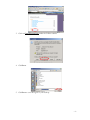
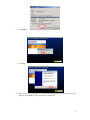
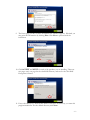
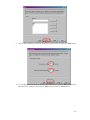
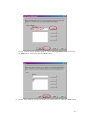
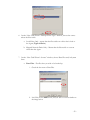
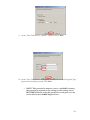
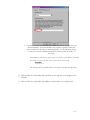
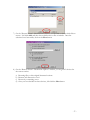
8. Click on OK on the Schedule Entry window to exit and save your changes to the
schedule
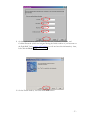
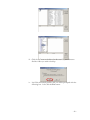
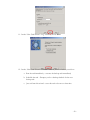
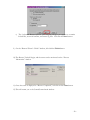
9. Click on OK on the Schedule List window to return back to CentralControl.
- 32 –