1
Installation of EchoBAK CentralControl
This portion describes the steps required to install the CentralControl application. The
installation requires that you have the CentralControl installation kit and Windows NT 4.0,
Windows 2000, Windows XP Professional installed. This product, when installed, allows the
user to communicate, configure and manage one or more agents. The CentralControl
installation file can be downloaded from http://www.asiguardian.com/downloads
(username: asiGUARDIAN, password: 2003). The filename is CentralControl.exe
Installation Requirements
HARDWARE
SOFTWARE
CPU – Should meet basic requirements of your operating system, as prescribed by
Microsoft
HDD – 10MB of available disk space
OS – Windows NT4 (SP6a) / Windows 2000 (sp2)
Network – A TCP/IP stack
PRIVILEGE REQUIREMENTS
The Installation of the CentralControl does not require any privileges if you are
installing on Windows NT 4 – Backup Files and Directories
If you are installing on Windows 2000, you need Administrator privileges
Installation Procedures
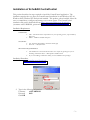
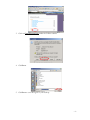
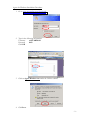
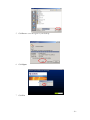
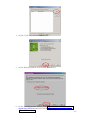
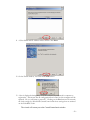
1. Go to www.asiguardian.com/downloads
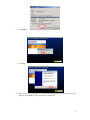
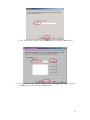
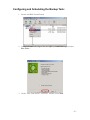
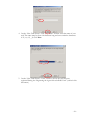
2. Type in the following information:
Username
asiGUARDIAN
Password
2003
Click OK
-3–