1
Fadal
User Manual
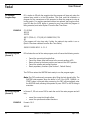
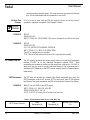
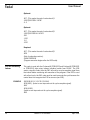
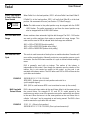
G53 Z0
M6 T1
E0 X0 Y0
M2 (This is the end of the main program).
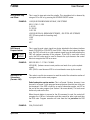
M3 Spindle CW
EXAMPLE:
M3.1 Sub-Spindle
On, Ignore Magnet
9
SPECIAL
FEATURE
M3 is used to start spindle rotation in a clockwise direction.
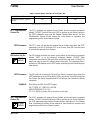
M6 T7 (TOOL #7, #1 C’DRILL
M1
G90 G0 S300 M3 E1 X0 Y0 (The spindle will turn on CW at this line).
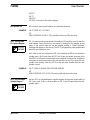
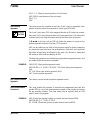
M3.1 is used to start a sub-spindle. Normally an M3 would be used to start the
main spindle. When this occurs, the control is looking for the magnet on the
pulley. If the control does not see the magnet turning, a “Motor Overload”
message will appear on the screen. The M3.1 will ignore the pulley magnet and
direct the sub-spindle to start.
An S word on the line or before the M3.1 will establish an RPM to use when the
spindle starts. An S word after the M3.1 will direct the spindle to rotate at the
new RPM. An M function board needs to be installed to redirect the Spindle-On
command to the drive system of the sub-spindle. Use an M5 to stop the subspindle from rotating. See also M3.2 to use the main spindle after the subspindle is used.
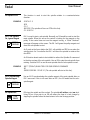
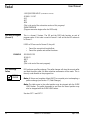
EXAMPLE:
M3.2 Acknowledge
Spindle Magnet
9
SPECIAL
FEATURE
April 2003
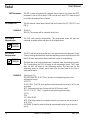
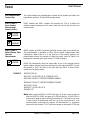
M6 T7 (TOOL#7,BLANK TOOL FOR SUB-SPINDLE
M1
G90 G0 S300 M3.1 E1 X0 Y0 (The sub-spindle will start at this line).
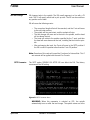
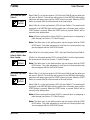
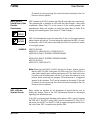
Use an M3.2 to acknowledge the spindle magnet of the main spindle after an
M3.1 was used. If this is not used after an M3.1, the M3 would start the subspindle again.
Section 2: M Functions
23