1
2. Using Dashboard
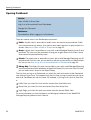
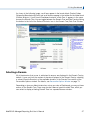
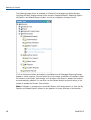
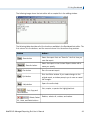
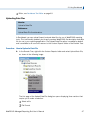
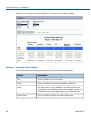
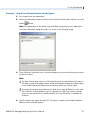
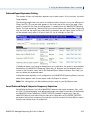
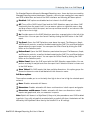
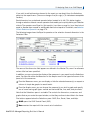
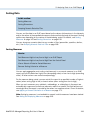
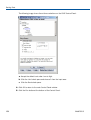
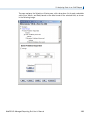
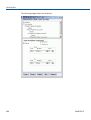
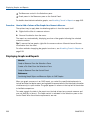
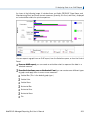
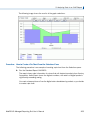
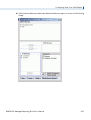
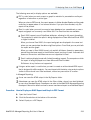
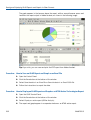
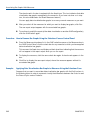
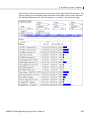
The following image shows the text editor with a sample file in the editing window.
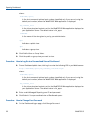
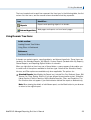
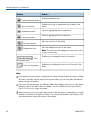
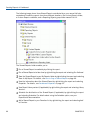
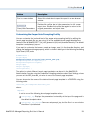
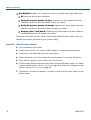
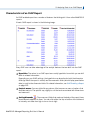
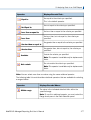
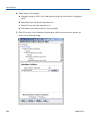
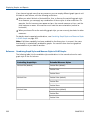
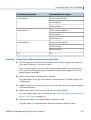
The following table describes all of the functions available in the Dashboard text editor. The
first column lists the buttons, and the second column lists the actions they produce.
Button
Action...
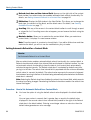
- Save button
- Save As button
- Run button
- Quit button
- Help button
Saves the report. Acts as "Save As" the first time you
save the report.
Saves the report in the Custom Reports folder with a
name you specify.
Runs the current report.
Exits the Editor window. If you made changes to the
original report, a window prompts you to save or cancel
the changes.
Opens the online help.
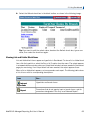
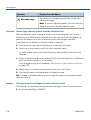
Cuts, copies, or pastes the highlighted text.
- Cut, Copy and
Paste buttons
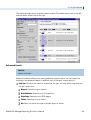
- Delete, Select
All, Undo, and Redo buttons
Deletes, selects all, undoes, and redoes.
WebFOCUS Managed Reporting End User's Manual
41