1
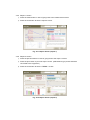
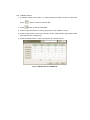
4.3.5 Report 1 Screen
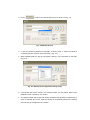
① Press the retest button in case of going back to the measurement screen.
② Press the next button to see the report 2 screen.
Fig. 4-11 Report Screen (report 1)
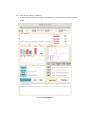
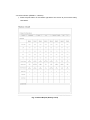
4.3.6 Report 2 Screen
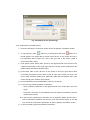
① Press the previous button in case of going back to the report 1 screen.
② Press the print button to print out report 1 and 2. (USB exterior type printer should be
connected to the equipment )
③ Press the next button to see the TREND 1 screen
Fig. 4-12 Report Screen (report 2)