1
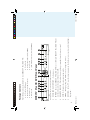
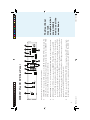
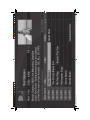
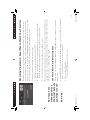
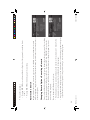
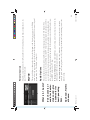
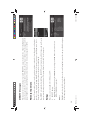
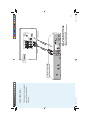
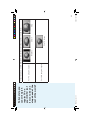
Highlight and select Record. A screen is displayed where you can set record options for that
program. Follow the onscreen instructions to set the program to record as you wish.
Select the Set Record button, then OK on the confirmation screen.
2)
3)
HR20 Book.indb 19
So do we.
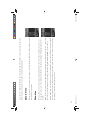
4 For a one-time only program:
• Pressing RECORD again cancels the record.
19
5/8/06 12:25:46 PM
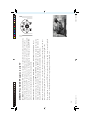
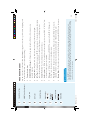
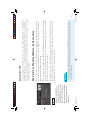
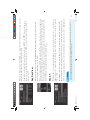
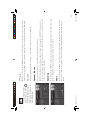
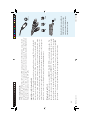
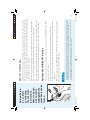
4 Pressing RECORD once schedules the highlighted program to record. A recording icon is displayed
next to the program title to let you know it is scheduled.
Don’t you hate
when you miss a
One-Touch Record with Default Options
show just because
On any screen, you can press the RECORD key on a highlighted program to schedule it to record with
you forget it’s on? default options.
You can record up to three programs at once (two satellite and one from an off-air antenna). However, if
a program you select to record conflicts with another recording, you will be notified of the conflict at the
time and given a choice of which recording to cancel.
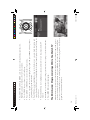
Highlight a program that interests you and press INFO.
1)
To schedule a program for recording with specific options:
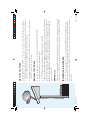
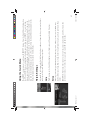
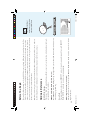
Recording is a great way to see your favorite programs on your schedule. You won’t miss your favorite
series because it moved to a different day or time, or miss your team’s playoff game because you had to
work late. Just set a program to record and your DIRECTV Plus HD DVR will save it for you to watch
later. To watch recorded programs, use the Playlist feature. (See The Playlist on page 22.)
Recording Programs: A Great Way to Watch Your Favorites