1
SELECT
HR20 Book.indb 35
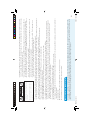
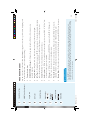
when setting them up.
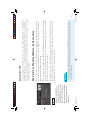
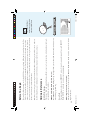
SELECT toggles the item on and off
checkbox-type items, pressing
blocks, as well as most other
For ratings limits and channel
TIP
35
5/8/06 12:26:27 PM
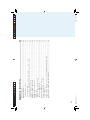
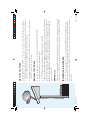
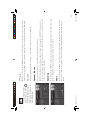
From the left menu, SELECT Hours, then set your preferred hours during which TV can be viewed. You
can set hours based on “school nights” and weekend nights—Monday-Thursday, Friday-Saturday, and
Sunday.
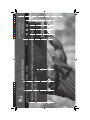
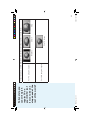
Hours
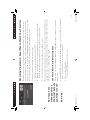
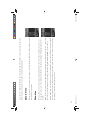
From the left menu, SELECT Spending, then set your preferred spending limit for any single pay per view
purchase. Simply key in the amount using the numbers on your remote.
Spending
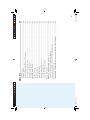
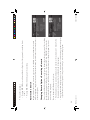
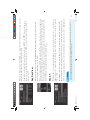
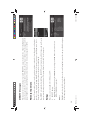
SELECT Chan Blocks in the left menu, then scroll down the channel list to SELECT those you wish to
block, or key in channel numbers for quicker access. Use Block All or Allow All to save time if you wish
to affect a large number of channels.
You can block viewing of a certain channel or channels from this menu.
Channel Blocks
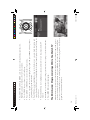
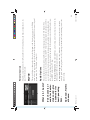
To block programming that has no rating — such as news and sports — select the Other tab.
Other Shows
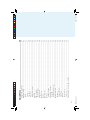
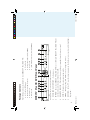
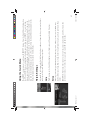
SELECT the TV tab, then highlight and select the TV rating you desire. You can also set ratings for particular content (for example, Fantasy Violence, Dialogue), each of which is described when highlighted.
TV Programs