1
9
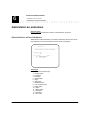
Routing
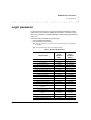
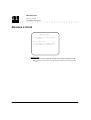
Incoming call distribution
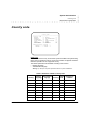
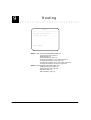
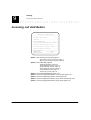
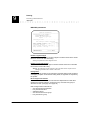
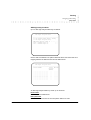
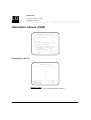
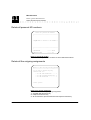
ISDN DID
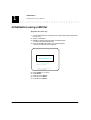
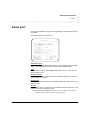
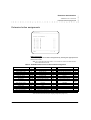
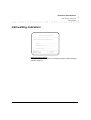
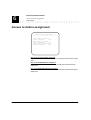
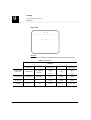
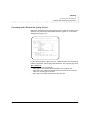
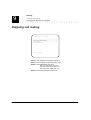
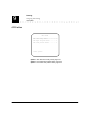
Assign ISDN-DID numbers
————————————————————————————————————————
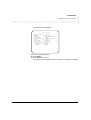
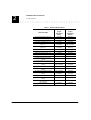
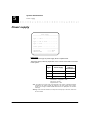
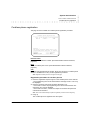
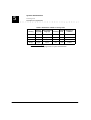
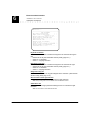
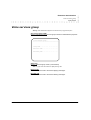
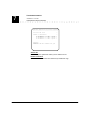
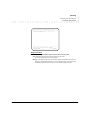
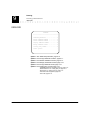
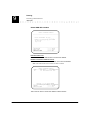
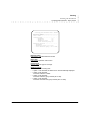
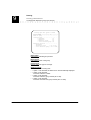
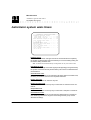
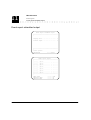
DID
Ext Auto
Tod Additional
nb
nb Answ Mode Plan info.
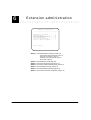
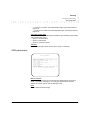
ToD :According to time-of-day plan (Y/N)
Mode:First announcememt
(0)
Forced first announcememt (1)
————————————————————————————————————————
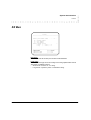
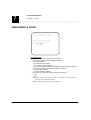
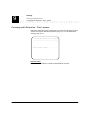
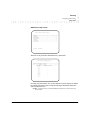
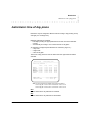
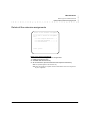
VALIDATION
—————> Enter
PREVIOUS PAGE
—————> F4
————————————————————————————————————————
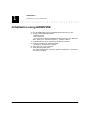
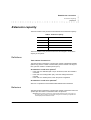
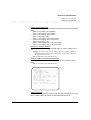
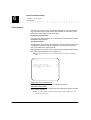
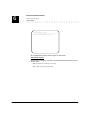
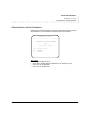
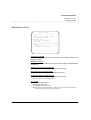
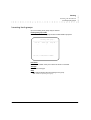
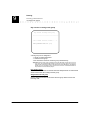
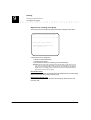
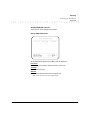
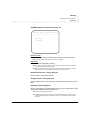
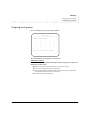
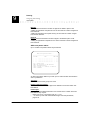
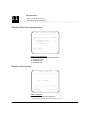
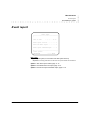
DID number
Indicates the DID number.
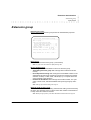
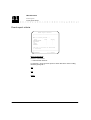
Extension number
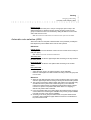
Used to assign the DID number to an extension, an extension group, the attendant console or a Voice Services group. To assign a DID number:
• to an extension:
- Enter the extension number.
Note: To make sure that DID extension numbers (M)CDU match extension numbers, first
administer the section «Feature access code, page 5-8.», then modify the extension
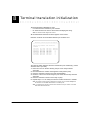
numbers in the section «Terminal translation initialization, page 8-1.».
An extension can be assigned to several DID numbers.
•
to an extension group:
- Enter G followed by the group number (from 1 to 8).
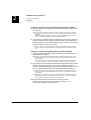
Warning: If the extension with the lowest extension number has activated the forward offpremises or forward internal feature to a voice messaging system, the incoming call is
immediately forwarded and does not ring the other extensions able to answer it.
•
•
to the attendant console:
- Enter «PO».
to a Voice Services group:
- Enter GV followed by the Voice Services group number (from 1 to 8).
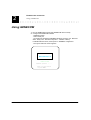
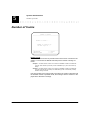
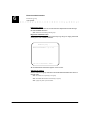
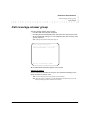
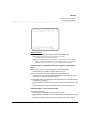
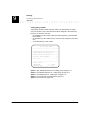
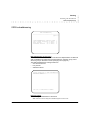
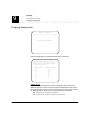
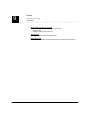
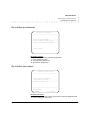
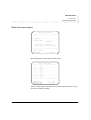
Auto-answer
Used to define the ‘auto-answer’ extension number the calling party will be connected to. Leave blank if you do not wish to validate the auto-answer feature.
Note: You must enter an ‘auto-answer’ extension number.
9-12
EuroGeneris administration manual
Version : 500