1
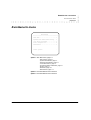
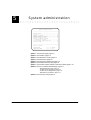
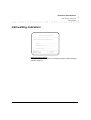
Extension administration
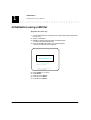
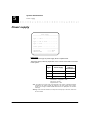
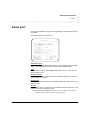
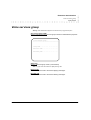
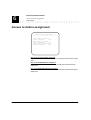
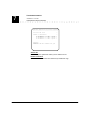
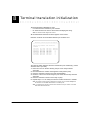
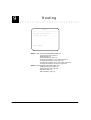
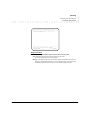
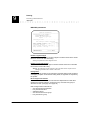
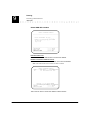
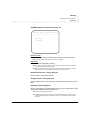
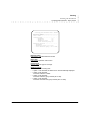
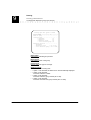
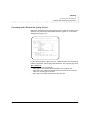
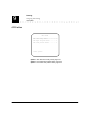
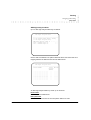
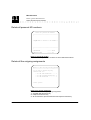
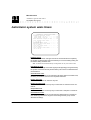
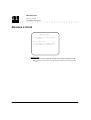
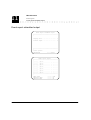
Administer an extension
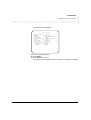
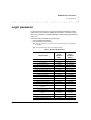
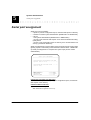
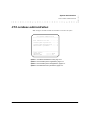
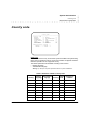
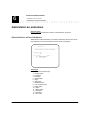
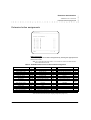
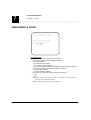
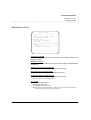
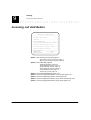
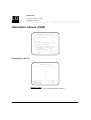
Extension button assignments
Extension button assignments
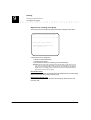
Extension: ...
————————————————————————————————————————
BUTTON ASSIGNMENTS :
.
.
.
.
.
.
.
.
.
.
.
.
.
A
B
C
D
E
F
G
H
I
J
K
L
M
.
.
.
.
.
.
.
.
.
.
.
.
.
N
O
P
Q
R
S
T
U
V
W
X
Y
Z
|
|
|
|
|
|
|
|
|
|
|
|
|
A:
B:
C:
D:
E:
F:
G:
H:
I:
J:
K:
L:
M:
:
:
:
:
:
:
:
:
:
:
:
:
:
...
...
...
...
...
...
...
...
...
...
...
...
...
————————————————————————————————————————
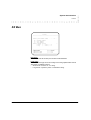
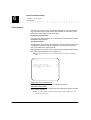
HELP
————> F2
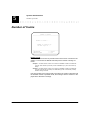
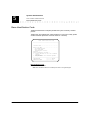
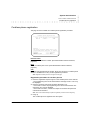
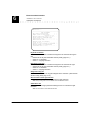
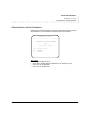
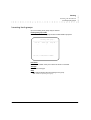
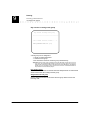
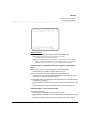
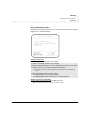
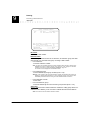
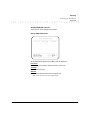
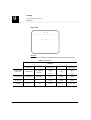
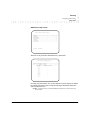
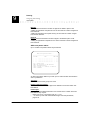
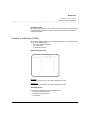
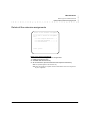
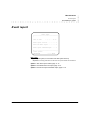
Button assignments
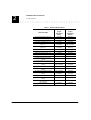
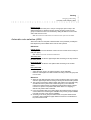
Used to modify the current button assignments by entering the appropriate feature access codes.
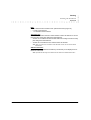
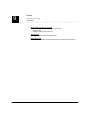
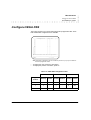
Note: On a Hélios alpha terminal, buttons 13, 25 and 26 are used for the MGO functions
NEXT, PREVIOUS and VALID.
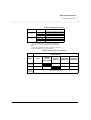
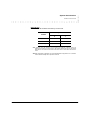
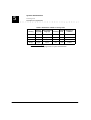
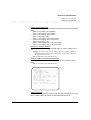
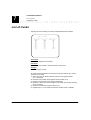
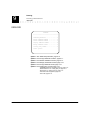
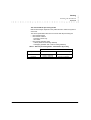
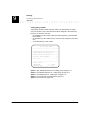
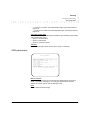
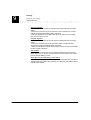
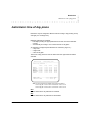
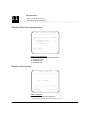
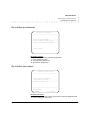
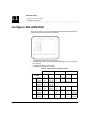
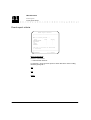
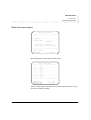
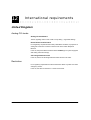
Table 6 : Available feature access codes for button assignment
Feature
Code
Feature
Code
Feature
Code
Common outgoing (ARS)
Return to call
Toggle (Broker’s call)
Trunk groups
Trunks
Extension groups
0a
1
22
400-409
411-442
451-458
Alarm call
Call appearance
Outside transfer
Call pick-up
Transfer/Group park
Exclusive hold
642
643
644
65
66
67
Direct connection
Message retrieval
Personal AD numbers-store
Place call using AD
Alphabetical AD
Memory
75
77
78
8
8*
80a
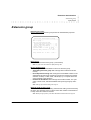
Page an individual
460
Ringer on
68
Personal AD
81a
Group page
461-468
Forward internal-activate
691
Personal AD numbers
Loudspeaker page
469
Forward off-premises-activate
695
System AD numbers
810-819a
82008999a
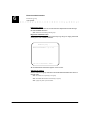
Voice services group
Answer incoming trunk call
Answer page
Automatic callback
Do not disturb
Three-party conference
Override restriction
471-478
5
60
61
62
63
641
Program
Mute
Drop
Leave word calling
Vega DSS-configuration
Solaris DSS-configuration
Internal auto answer
7
70
71
72
731-733
731-739
74
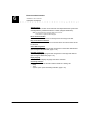
Attendant
Internal call
a.
9a
fd+Nb
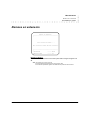
See Feature access code, page 5-8.
ARS: Automatic Route Selection (See Outgoing assignments, page 9-28.)
Version : 500
EuroGeneris administration manual
6-7