1
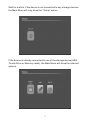
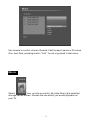
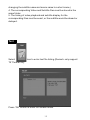
4: Set the file path, and press “OK” button to start copy, after finish,
press “OK” button to exit.
(Remark: The player uses embedded processor device, please do not
copy large capacity files, otherwise, it would copy too long time or stop
and pause)
Delete file
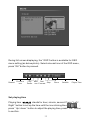
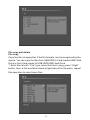
Repeat step 1, 2 of <Copy function>, select” Delete” from the menu,
press “OK” button, it will show ” if delete or not”
Select √ to execute delete.
Select × to go back and not to delete.
18