1
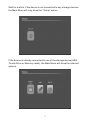
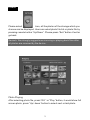
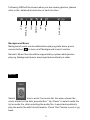
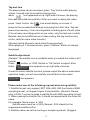
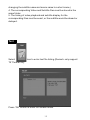
2, Please select the files to copy, and press
(Remark :Exit from the menu, please press
button on remote.
button again.
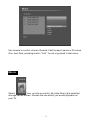
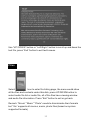
3: Select “Copy”, then, press “OK” button to set the file location you
wish to place it)
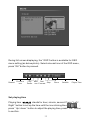
(Remark: after selecting the location, you need to press “Right” button
to enter it, or the file path for the copied file would be different with the
location of original file)
17