1
4
WebCenter
4.11 Running a Project Report
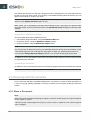
You can run pre-configured project reports from the projects you have access to if your Admin has
given you access to these reports (see the Administration Guide for more information).
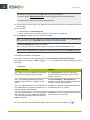
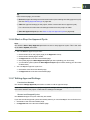
Note: This only includes project reports. System-wide reports are available from the Search menu.
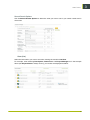
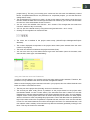
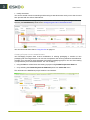
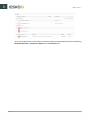
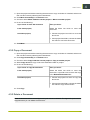
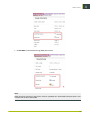
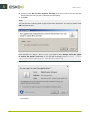
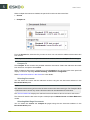
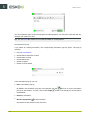
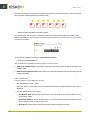
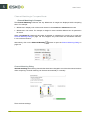
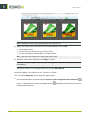
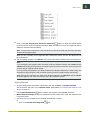
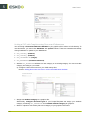
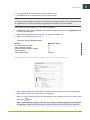
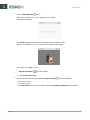
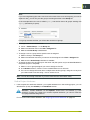
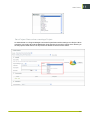
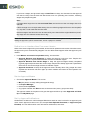
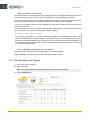
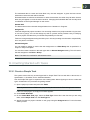
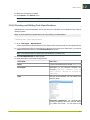
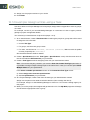
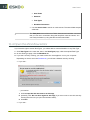
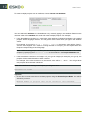
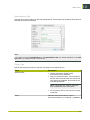
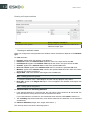
1. In the project, go to More actions... > Run Project Report .
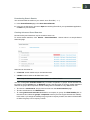
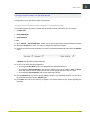
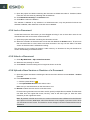
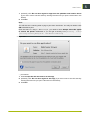
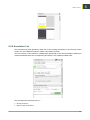
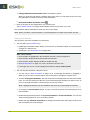
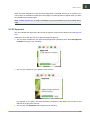
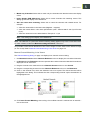
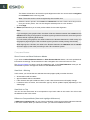
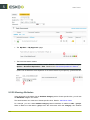
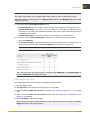
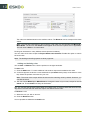
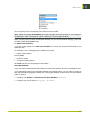
2. If you can run several reports for this project, select the desired report on the Run Report for
project page.
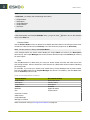
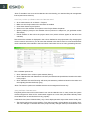
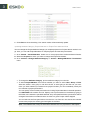
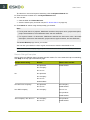
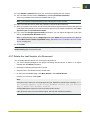
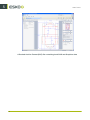
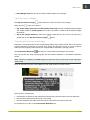
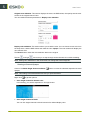
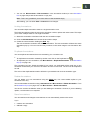
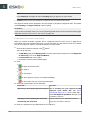
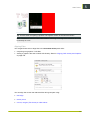
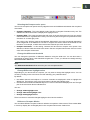
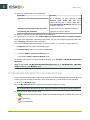
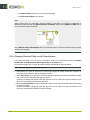
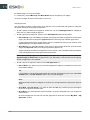
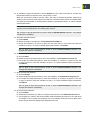
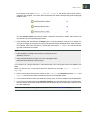
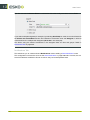
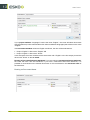
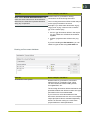
3. If the report requires parameters, specify them (mandatory parameters are marked by an *) and
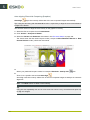
click the Run Now button.
70