1
WebCenter
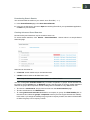
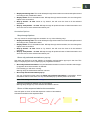
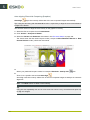
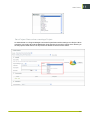
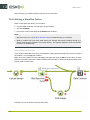
For example, if you create a “Review the final design proposal” task for a member, and then add a
second task called “Implement design corrections” that has the “Review” task as a predecessor, you
can make sure that the “Implement design corrections” task starts automatically when the “Review”
task has been completed.
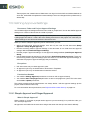
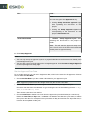
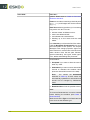
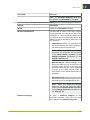
Starting tasks: options
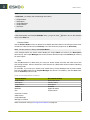
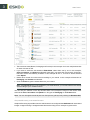
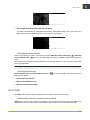
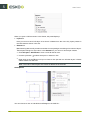
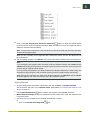
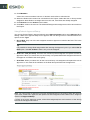
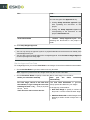
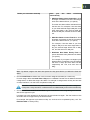
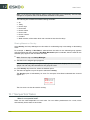
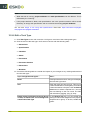
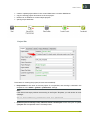
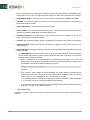
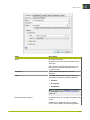
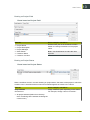
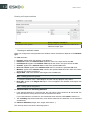
Tasks can be set to start:
• Manually (the member changes the task status manually).
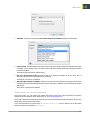
• Automatically, depending on the due date and lead time (in working days).
• Automatically, depending on the completion of the predecessor task(s).
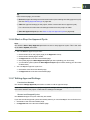
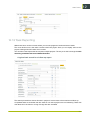
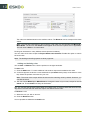
Note:
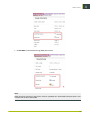
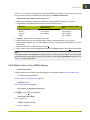
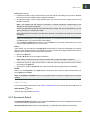
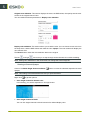
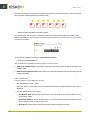
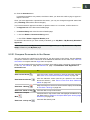
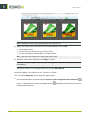
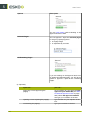
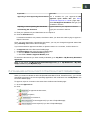
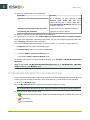
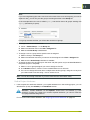
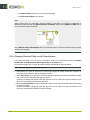
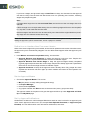
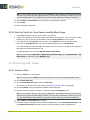
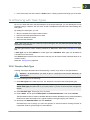
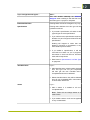
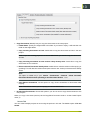
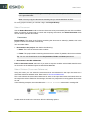
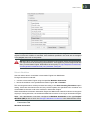
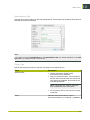
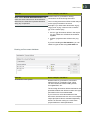
If the Due Date is different from the Due Date of the predecessor plus the Lead time (i.e. the
earliest the task can be finished), the Reset Start Date button will appear. Clicking this button
will set the Due Date to the Due Date of the predecessor plus the Lead Time.
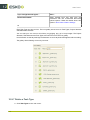
This option is only available if the task is in Created status, and if the Start Task is set to
Automatically after predecessors complete.
• A combination of the above options.
Also, task completion can change the project status.
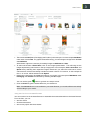
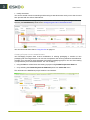
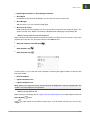
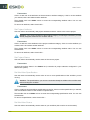
12.8 Linking Documents to Tasks
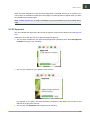
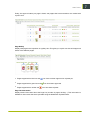
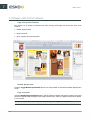
One of the strengths of Task management is the ability to link documents to tasks.
261
12