1
8
WebCenter
•
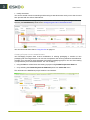
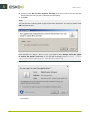
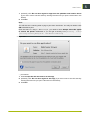
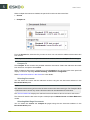
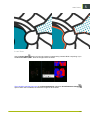
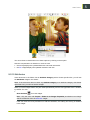
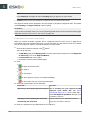
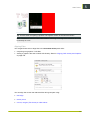
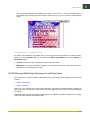
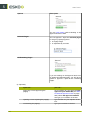
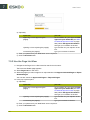
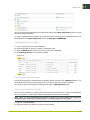
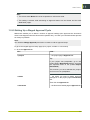
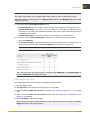
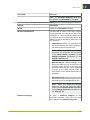
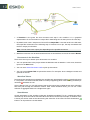
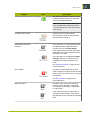
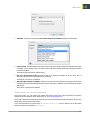
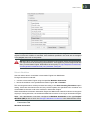
The info button
will be red if your system doesn't fully meet the System Requirements on
page 187. Click it to get details.
8.4.3 Advanced Tools
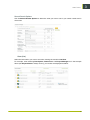
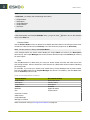
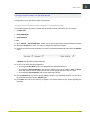
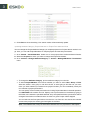
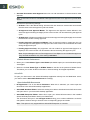
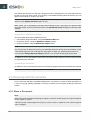
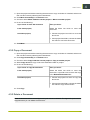
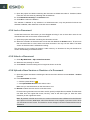
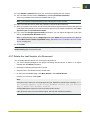
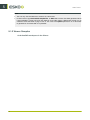
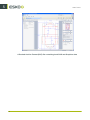
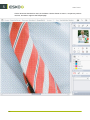
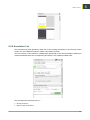
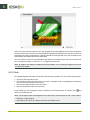
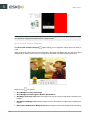
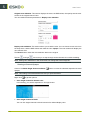
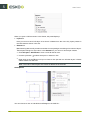
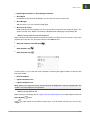
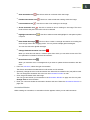
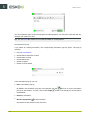
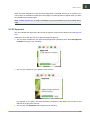
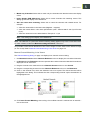
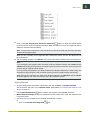
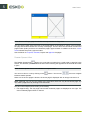
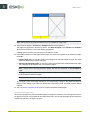
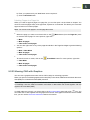
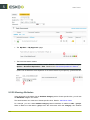
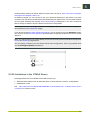
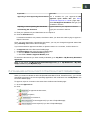
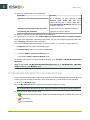
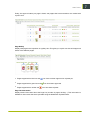
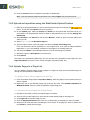
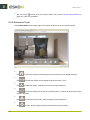
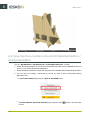
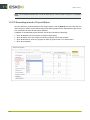
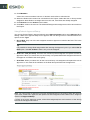
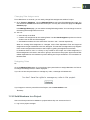
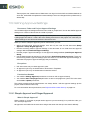
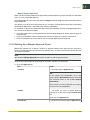
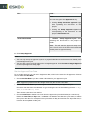
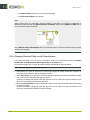
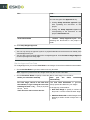
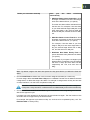
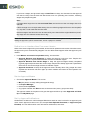
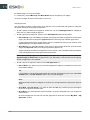
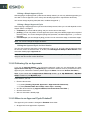
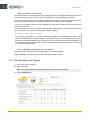
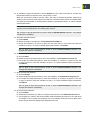
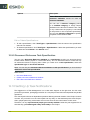
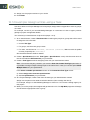
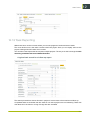
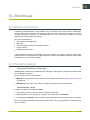
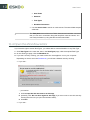
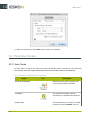
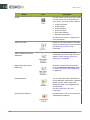
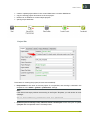
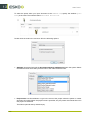
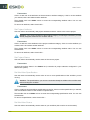
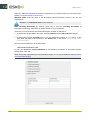
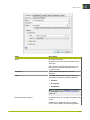
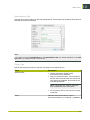
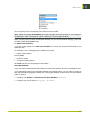
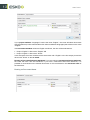
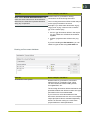
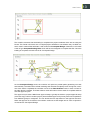
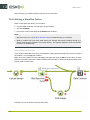
Click Control Panel at the bottom right of the Viewer window to show the advanced tools.
•
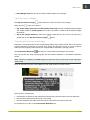
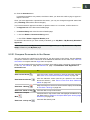
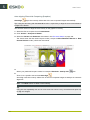
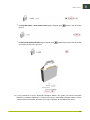
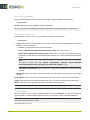
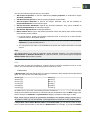
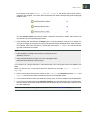
Use
to return the design and the background environment to their default positions.
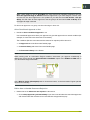
•
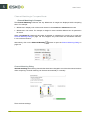
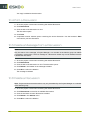
Use
to rotate the design and the background environment in sync.
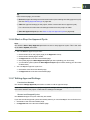
•
Use
to rotate the design, while the environment remains stationary.
•
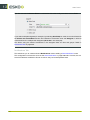
Use
to move the design horizontally and vertically (with no rotation) while the environment
remains stationary.
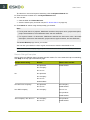
•
Use
to rotate the environment, while the design remains stationary.
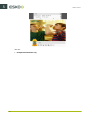
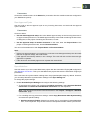
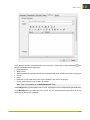
Use
to zoom in (this brings the design and the environment forward).
•
190