1
WebCenter
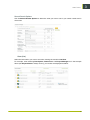
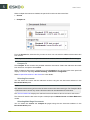
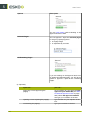
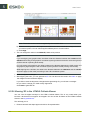
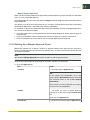
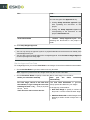
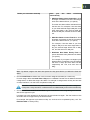
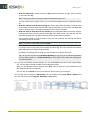
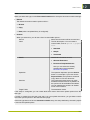
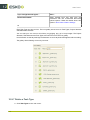
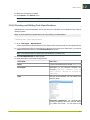
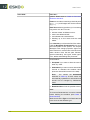
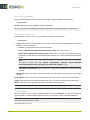
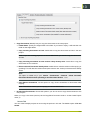
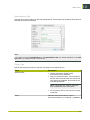
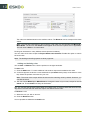
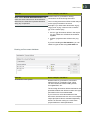
You can specify one or two floating point values in the input field.
Note: When you specify lies between, the lower and upper limits will be taken in. For example, 4
lies between 4 and 6. To exclude 4, type in 4.00001 (or 5 for an integer attribute).
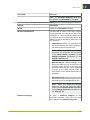
When a project does not have the selected attribute (not part of the attribute category), the router
will always take the no match route.
For Multi-value Attributes:
If you are routing based on a multi-value attribute, the values are compared individually to the
specified rules.
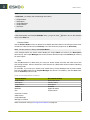
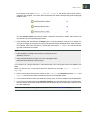
For example, if your "Packaging Type" attribute has values:
• Label | Folding Carton
and the rules:
• is equal to Label'
• 'is equal to Folding Carton'
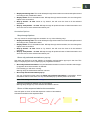
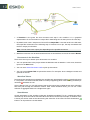
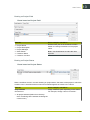
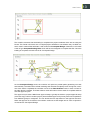
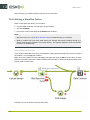
the router will have two outgoing pins with tokens.
Using SmartNames:
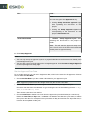
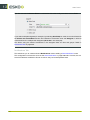
If your rule value is a SmartName that resolves to a multi-value attribute, the rule is evaluated as “OR”.
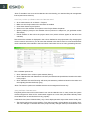
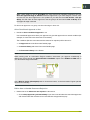
If your packaging project has a language attribute with multiple values, you may want to use this to
filter the documents (language variants with a Language attribute) to direct them through different
paths. To do this:
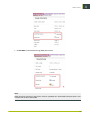
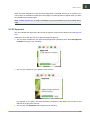
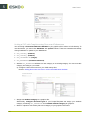
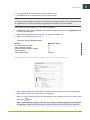
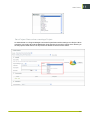
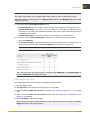
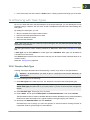
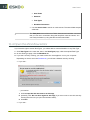
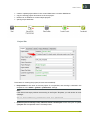
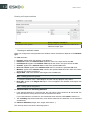
• Configure your Router to route based on Project Attribute Languages.
• Configure your rule to specify Languages (Document)
321
13