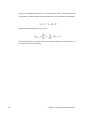
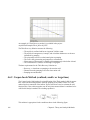
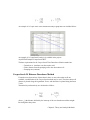
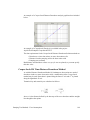
1
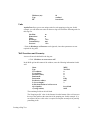
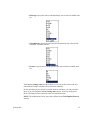
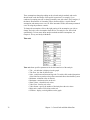
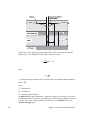
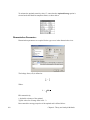
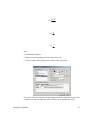
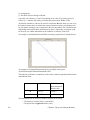
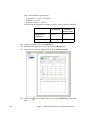
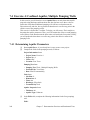
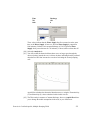
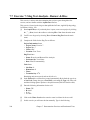
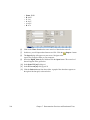
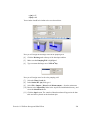
Thickness (m):
Type
BE
10
confined
leave blank
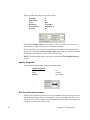
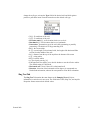
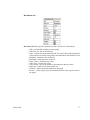
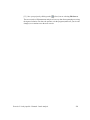
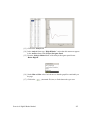
Units
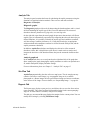
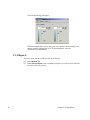
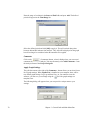
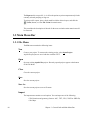
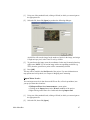
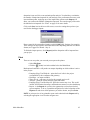
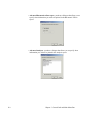
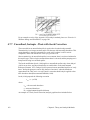
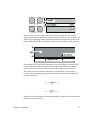
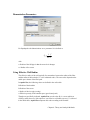
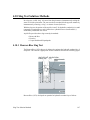
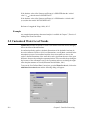
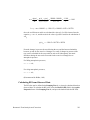
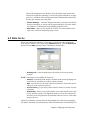
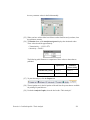
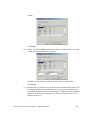
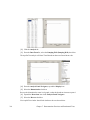
AquiferTest allows you to store unique units for each pumping or slug test. In this
example, you will define new units for the new slug test. Define the following units for
this slug test:
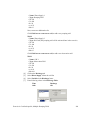
Site Plan:
Dimensions:
Time:
Discharge:
Transmissivity:
Pressure:
m
m
s
*N/A
m2/s
*N/A
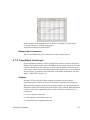
* Units for Discharge and Pressure can be ignored, since these parameters are not
required for slug tests.
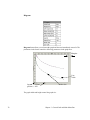
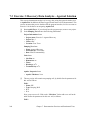
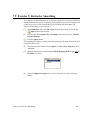
Well Locations and Geometry
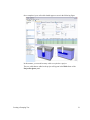
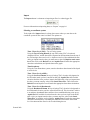
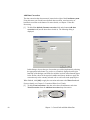
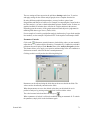
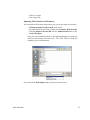
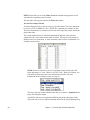
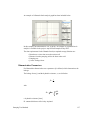
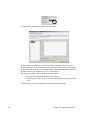
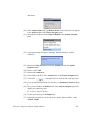
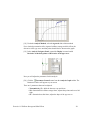
A new well must be defined for the slug test.
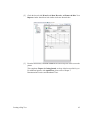
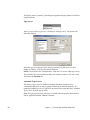
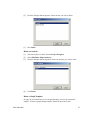
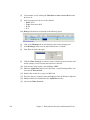
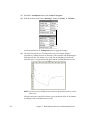
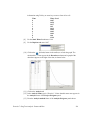
• Click “Click here to create a new well”
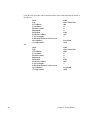
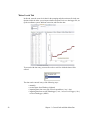
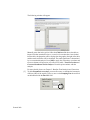
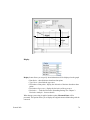
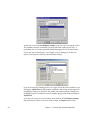
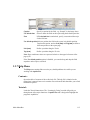
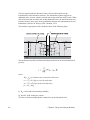
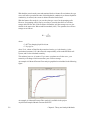
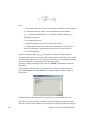
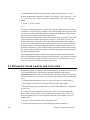
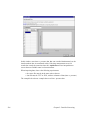
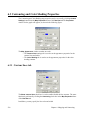
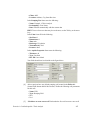
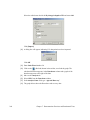
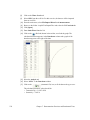
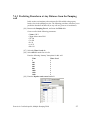
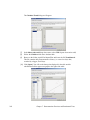
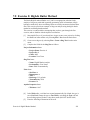
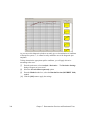
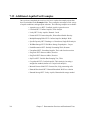
In the Wells grid at the bottom of the window, enter the following information for this
well.
Name
Type
X-coordinate:
Y-coordinate:
Elevation (amsl):
Benchmark:
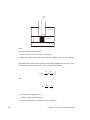
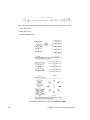
Penetration
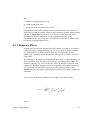
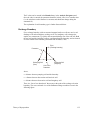
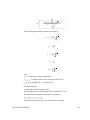
R (effective radius):
L (screen length):
b (dist from bottom of well screen to
top of aquifer:
r (casing radius):
MW5
Test Well
0
0
0
0
Fully
0.05
3
leave blank
0.025
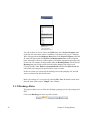
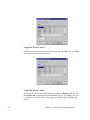
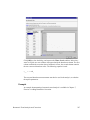
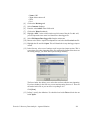
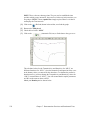
The remaining fields can be left blank.
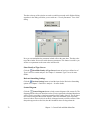
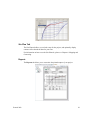
The ‘Pumping well b’ value is the distance from the bottom of the well screen to
the top of the aquifer at the start time of the pumping test. In this example ‘b’ is
not required, however this value is required to complete an analysis for partially
penetrating wells.
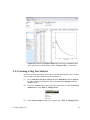
Creating a Slug Test
39