1
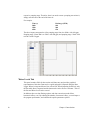
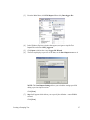
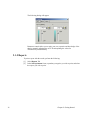
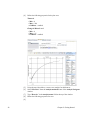
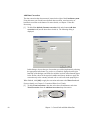
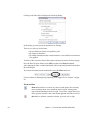
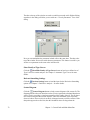
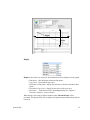
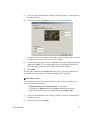
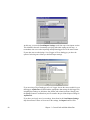
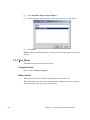
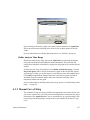
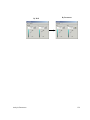
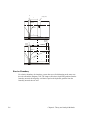
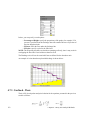
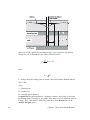
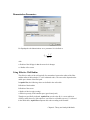
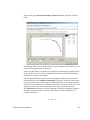
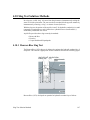
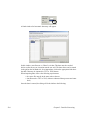
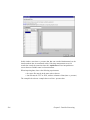
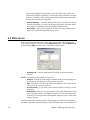
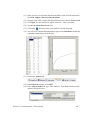
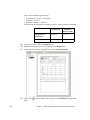
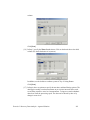
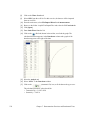
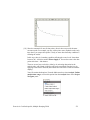
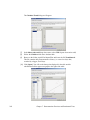
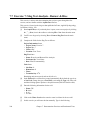
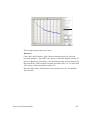
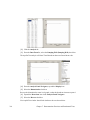
Return to the Water Levels tab, and select the appropriate well. From the Add
data correction drop-down menu choose Barometric correction to produce the
following dialog.
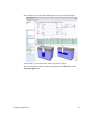
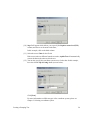
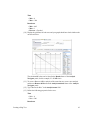
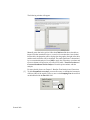
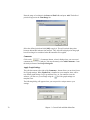
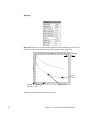
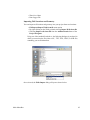
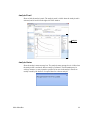
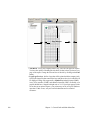
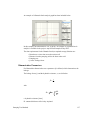
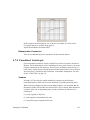
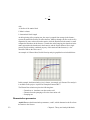
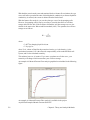
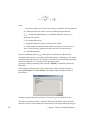
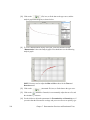
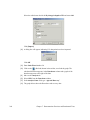
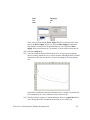
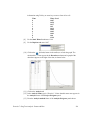
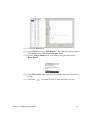
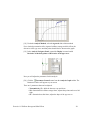
Manually enter data in the grid, or follow the Click here link to the file that
contains the time vs. pressure data that was collected at the same time as the
drawdown data. As it is imported, the data will be presented graphically on the
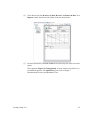
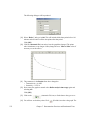
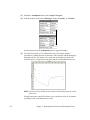
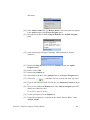
right. Click [OK] to apply the correction to the drawdown data and return to the
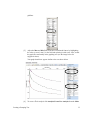
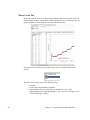
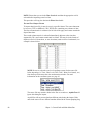
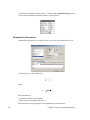
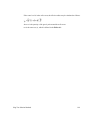
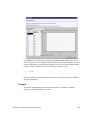
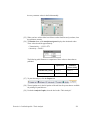
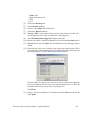
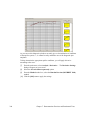
Water Levels tab. You will see that there are two new columns - Barometric
correction and Corrected drawdown used in analyses.
For more details, see Chapter 5: Barometric Trend Analysis and Correction.
Filter
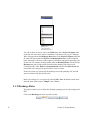
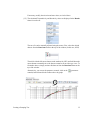
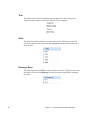
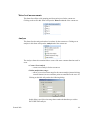
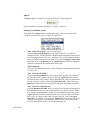
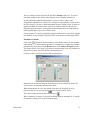
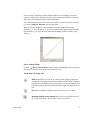
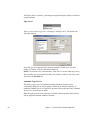
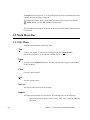
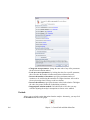
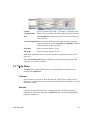
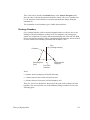
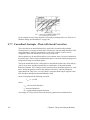
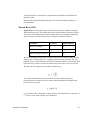
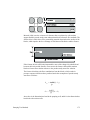
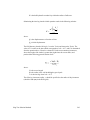
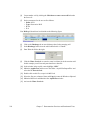
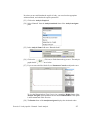
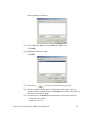
The Filter check box is located to the right of the Data Correction menu and it allows
you to reduce the number of data points in the dataset according to a specific criteria.
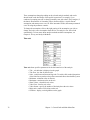
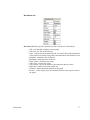
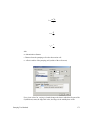
There are two instances where filtering can be done in the program.
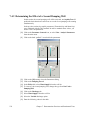
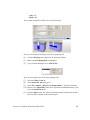
• While importing a data-logger file
• After manual data entry or importing a text/Excel file
General Info
63