1
4-16
7. Adding a Front Cover to Each Copy Set
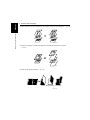
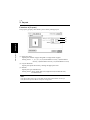
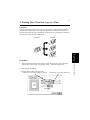
Overview
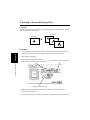
This section explains how to add a front cover (using paper of a different type from
the text pages, such as colored paper) to each of your copy sets.
Print data
Printout
1149O013AA
Convenient Functions
Chapter 4
Procedure
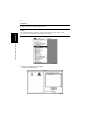
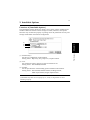
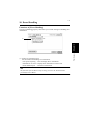
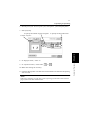
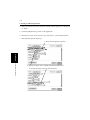
1. In the application that has been used to create the document, select the paper
settings. For paper setting, select [Page Setup...] from the [File] menu.
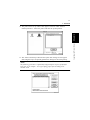
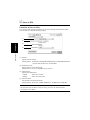
2. Select [Page Attributes].
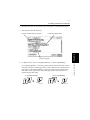
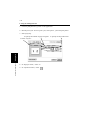
3. Ensure that the name that represents
controller set up with the NIC is selected. 4. Check for the correct paper size.
4608P152CB
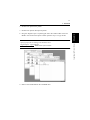
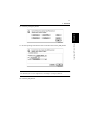
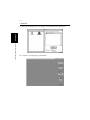
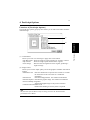
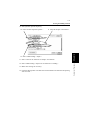
3. Make sure that the name that represents controller set up with the NIC is
selected for “Format for.”
4. Make sure that the size of the document created with the application is displayed
in “Paper.”