1
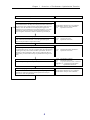
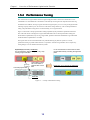
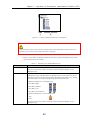
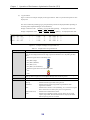
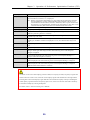
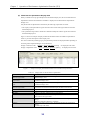
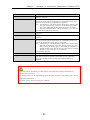
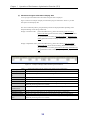
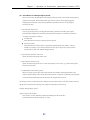
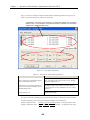
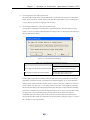
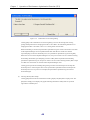
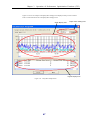
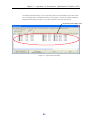
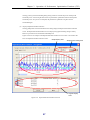
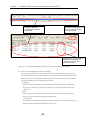
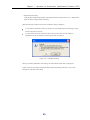
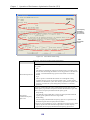
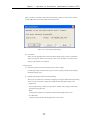
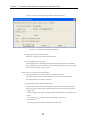
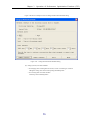
Chapter 3 Operation of Performance Optimization Function (GUI) The Busy Ratio of the source RANK/pool is displayed in the “Before movement After movement” format. Double-clicking a logical disk will display destination candidate Work Disks for Optimization. The Busy Ratio of the destination RANK/pool is displayed in the “Before movement After movement” format. Figure 3-22 Selecting Moved Material Logical Disks/Selecting Work Disk for Optimization (iii) Start LD Movement/Register LD Movement Schedule After deciding a logical disk to be moved and work disk for optimization, start moving or register a movement schedule. Start of moving or registration of moving is specified on the Start LD Movement dialog. Four procedures are provided for displaying the Start LD Movement dialog. Display the Start LD Movement dialog with one of the following procedures: Popup menu Select a work disk for optimization of the movement target, on the Work Disk for Optimization Display Area, and display a popup menu by right clicking. Select [Start LD Movement] on the popup menu. Menu Select a work disk for optimization of the movement target, on the work disk for optimization display area, and select [Operation] [Start LD Movement]. Tool Bar button Select a destination Work Disk for Optimization from the Work Disk for Optimization Display Area and then click the [Start LD Movement] button on the tool bar. 62