1
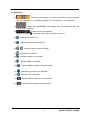
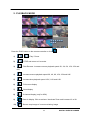
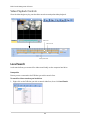
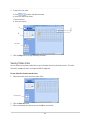
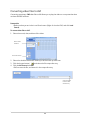
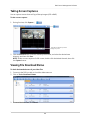
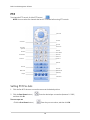
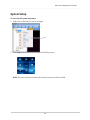
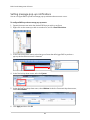
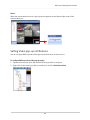
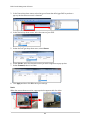
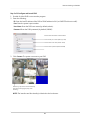
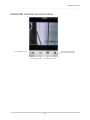
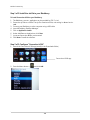
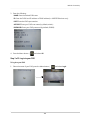
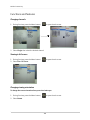
Mobile Connectivity Controlling PTZ cameras To control connected PTZ cameras: 1. Select the channel that has the PTZ camera connected. 2. Tap the PTZ button ( ). Drag your finger to pan and tilt camera Open iris Exit Lock screen orientation Close iris Focus Focus Set Preset Go to Preset 3. Perform one of the following: · Pan and tilt: Drag your finger on the main viewing window to pan and tilt the camera. · Zoom: Pinch your finger on the screen to zoom in or out. Changing views during normal viewing During live view: · Change channels: Swipe your finger across the screen. · Quad view: Pinch your finger on the screen. 93