1
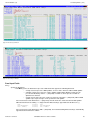
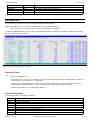
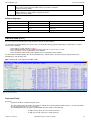
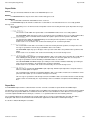
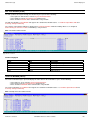
List File Windows (=3)
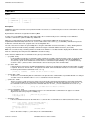
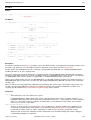
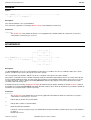
List MVS Enqueues (=3.8)
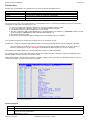
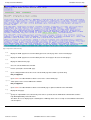
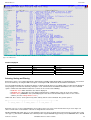
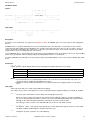
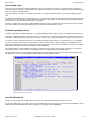
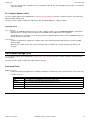
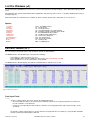
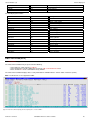
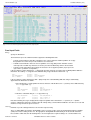
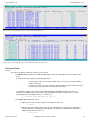
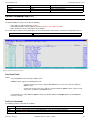
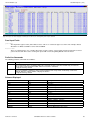
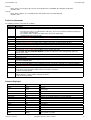
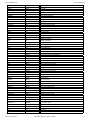
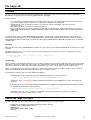
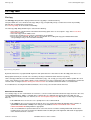
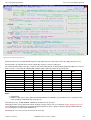
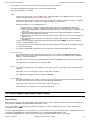
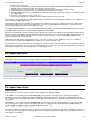
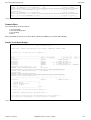
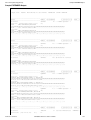
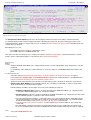
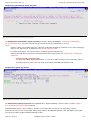
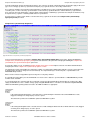
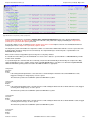
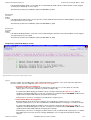
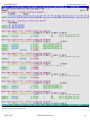
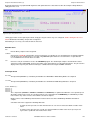
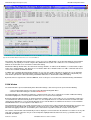
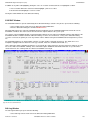
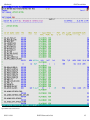
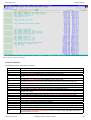
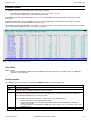
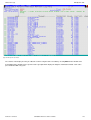
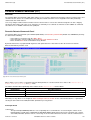
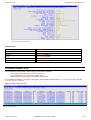
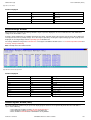
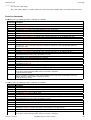
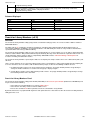
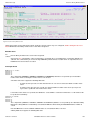
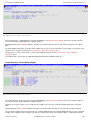
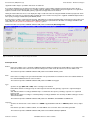
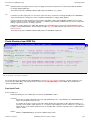
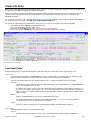
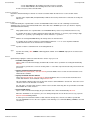
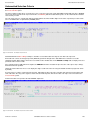
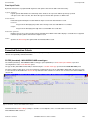
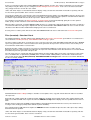
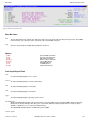
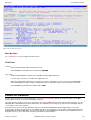
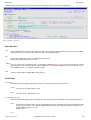
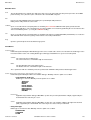
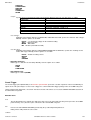
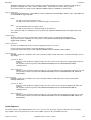
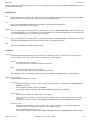
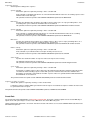
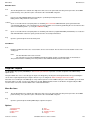
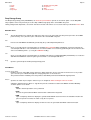
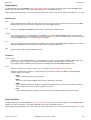
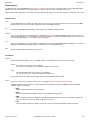
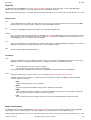
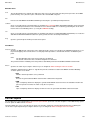
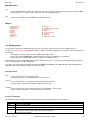
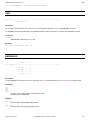
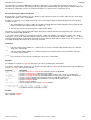
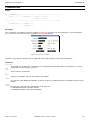
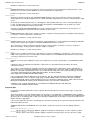
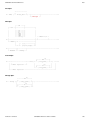
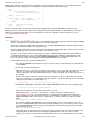
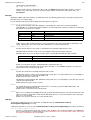
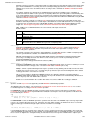
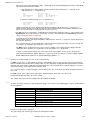
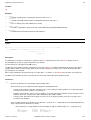
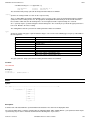
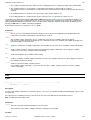
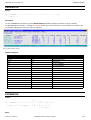
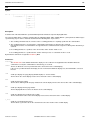
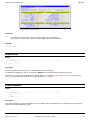
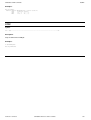
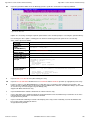
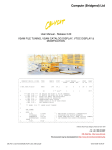
Figure 24. Enqueue List window displaying outstanding enqueues with resource name beginning 'SYS1' in queue SYSDSN.
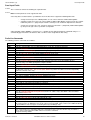
Panel Input Fields
Queue Name>
The major name (queue name) of the ENQ resource. This is a 1-8 character upper case name. For example, dataset
allocations are ENQueued with resource name SYSDSN .
Resource Name>
This is a 1-256 character, case sensitive minor name (resource name). You need only enter the prefix of the resources
you are interested in. All resources for the given queue with resource beginning with this value are listed.
Prefix Line Commands
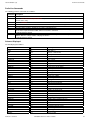
The following prefix line commands are available:
Command Description
/
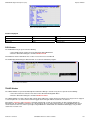
Open a drop down menu containing valid prefix command functions for the list window entry. Position the
cursor on the required function and hit <Enter> to action the command.
Assigned to PF4 by default.
>
Open a new window containing a zoomed vertical display of the entry's fields. Particularly useful for list
windows that have a large number of displayed columns.
Assigned to PF2 by default.
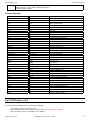
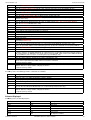
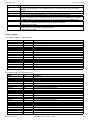
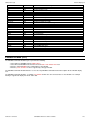
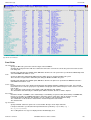
Columns Displayed
Name
Type
Description
JOB
Char
Job name
QNAME
Char
Enqueue Major Name (Queue)
STATUS
Char
Status of Enqueue
SCOPE
Char
Scope of Enqueue
RSV
Char
Reserve
MC
Char
Must complete
OWN
Int
Number of owners
WTEX
Int
Number of waiters exclusive
WTSH
Int
Number of waiters shared
RNAMEL
Int
Rname length
RNAME
VChar
Enqueue Minor Name (Resource)
2012-05-11 13:20:00
SELCOPY/i Reference and User Guide
68