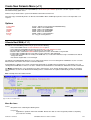
1
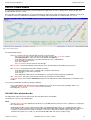
DB2 Utilities
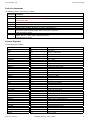
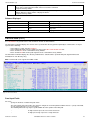
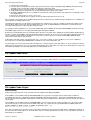
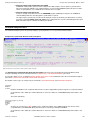
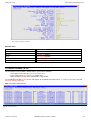
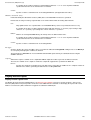
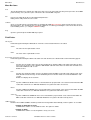
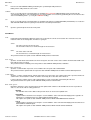
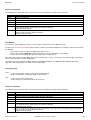
Menu Bar Items
Menu Bar Items
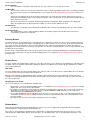
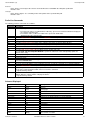
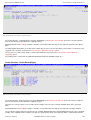
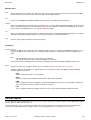
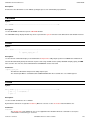
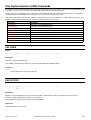
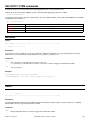
File
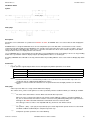
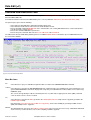
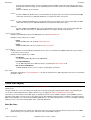
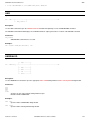
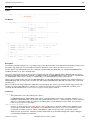
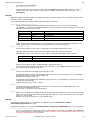
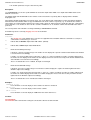
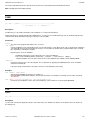
The File drop-down menu contains the single item, Exit, to close the panel and, if the last panel open in the current DB2
panel hierarchy, close (disconnect) the connection to the relevant DB2 subsystem.
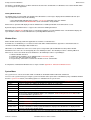
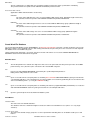
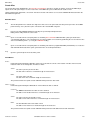
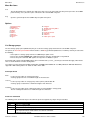
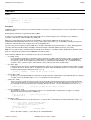
Run
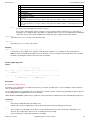
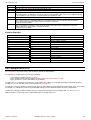
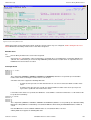
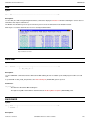
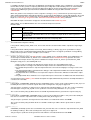
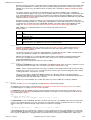
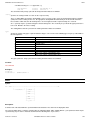
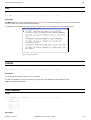
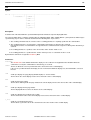
Executes the SQL DROP TRIGGER generated by the specified input field parameters.
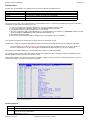
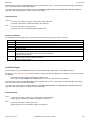
Command
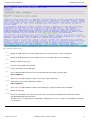
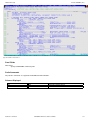
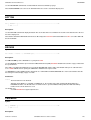
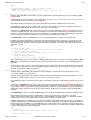
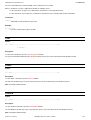
Opens a text edit view for a temporary data set containing SQL command DROP TRIGGER syntax generated for the
selected input field values. The command text is in a format suitable for execution by positioning the cursor on the first line
of the text and hitting <PF4>. (i.e. using the CMDTEXT facility.)
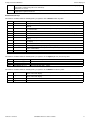
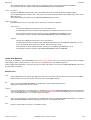
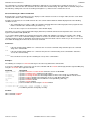
JCL
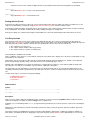
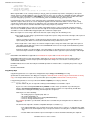
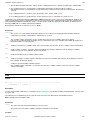
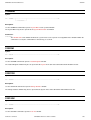
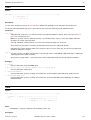
Opens a text edit view for a temporary data set containing JCL that runs program DSNTIAD (via IKJEFT01) to execute the
SQL DROP TRIGGER statement syntax generated for the selected input field values.
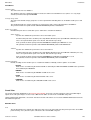
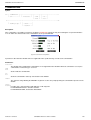
Help
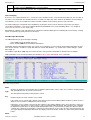
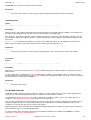
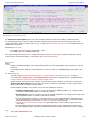
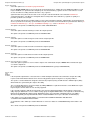
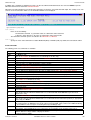
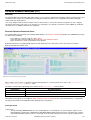
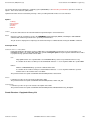
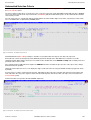
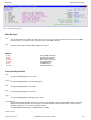
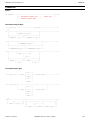
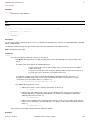
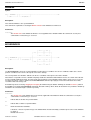
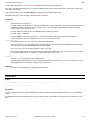
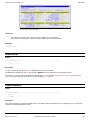
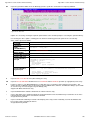
Open the general help for the Drop Trigger panel.
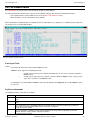
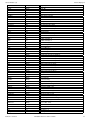
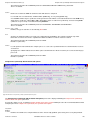
Field Entries
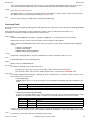
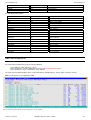
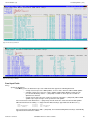
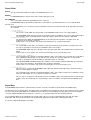
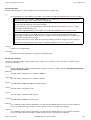
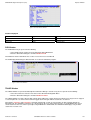
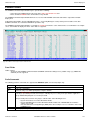
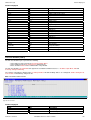
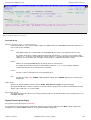
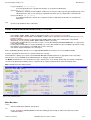
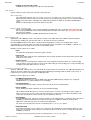
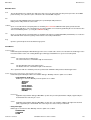
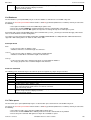
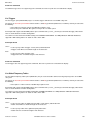
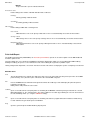
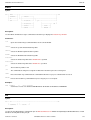
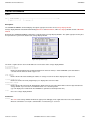
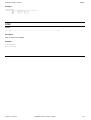
Trigger:
Fields that together identify the name of the DB2 trigger to be dropped from the current server location.
Schema>
The schema of the trigger to be dropped.
The trigger schema name has a maximum length of 128 characters.
Name>
The SQL identifier name of the trigger to be dropped.
The trigger name has a maximum length of 128 characters.
This parameter field corresponds to SQL DROP parameter TRIGGER trigger-name.
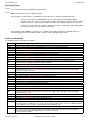
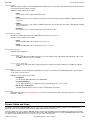
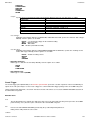
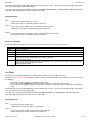
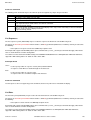
Enter>
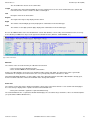
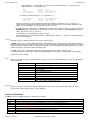
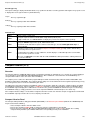
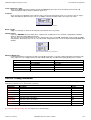
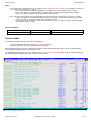
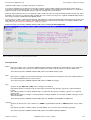
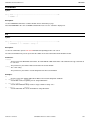
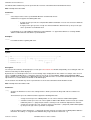
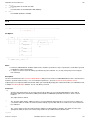
Specifies the action on pressing the <Enter> key or, if configured, double-clicking the left mouse button.
Setting the default action for <Enter> is supported to prevent accidental execution of the DROP command. Mutually
exclusive options are as follow:
◊ Nop
Indicates that No operation is to be performed.
◊ RUN
Execute the generated SQL DROP statement in the SELCOPY/i foreground.
◊ CMX
Open a temporary edit view to display the generated SQL DROP statement. This is the default the first time the
panel is opened. Thereafter, the action set by the user persists.
◊ JCL
Open a temporary edit view to display JCL that executes the generated SQL DROP statement in batch.
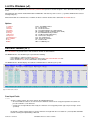
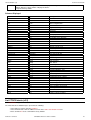
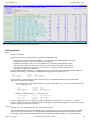
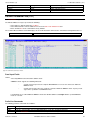
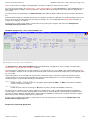
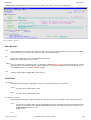
Drop Global Temporary Table
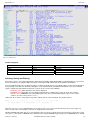
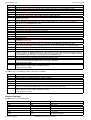
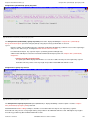
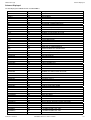
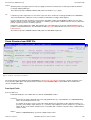
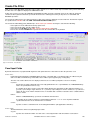
The Drop Global Temporary Table panel is the same panel used for Drop Table (ZZS2DTA0) and is opened on selection of option
13. in the Drop DB2 Object options menu.
2012-05-11 13:20:00
SELCOPY/i Reference and User Guide
251