1
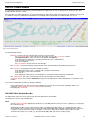
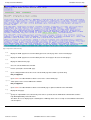
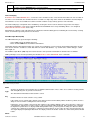
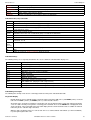
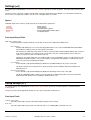
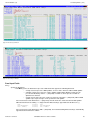
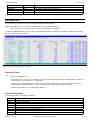
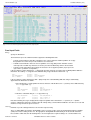
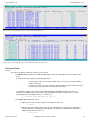
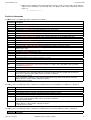
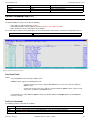
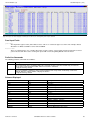
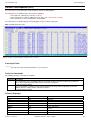
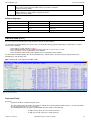
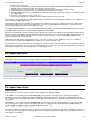
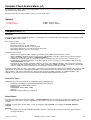
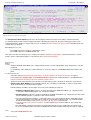
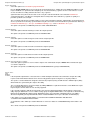
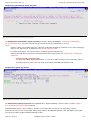
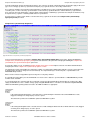
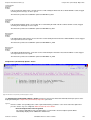
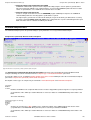
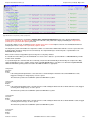
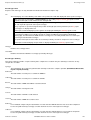
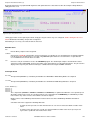
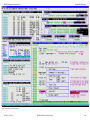
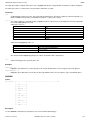
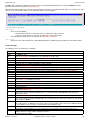
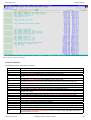
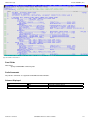
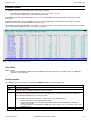
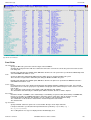
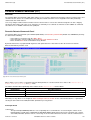
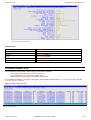
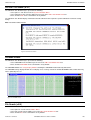
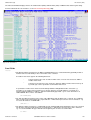
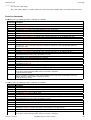
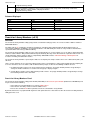
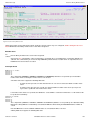
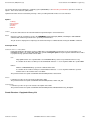
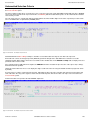
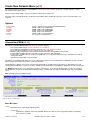
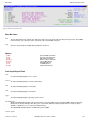
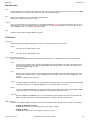
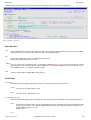
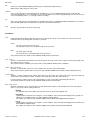
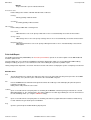
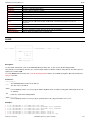
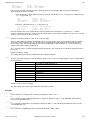
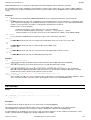
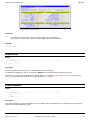
List File Windows (=3)
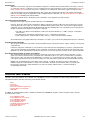
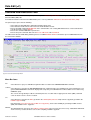
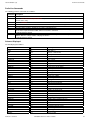
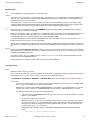
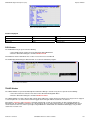
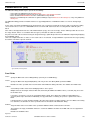
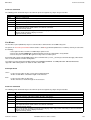
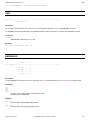
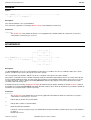
Panel Input Fields
Recurse>
Enter "YES" to recursively list the contents of all sub-directories found within the HFS path specification.
Default is "NO".
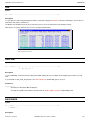
CaseIgn>
Enter "YES" to bypass case sensitivity for the name portion of the specified HFS path.
Default is "NO".
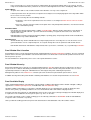
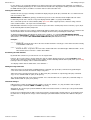
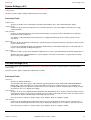
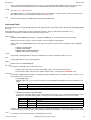
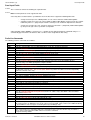
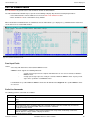
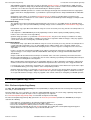
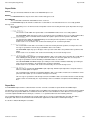
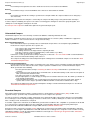
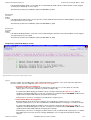
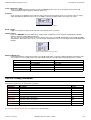
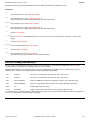
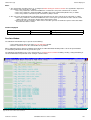
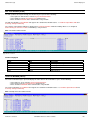
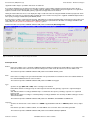
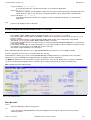
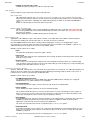
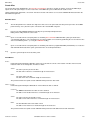
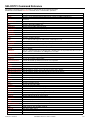
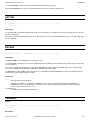
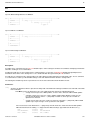
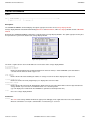
Prefix Line Commands
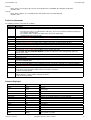
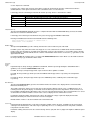
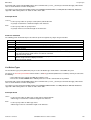
The following prefix line commands are available:
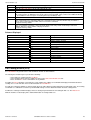
Command Description
<Dflt>
Default action depends on the list entry as follows:
• For a directory entry or a symbolic link to a directory, open a new List HFS list window to display the
the contents of the directory.
• For all other entries, a CBLe text editor view is opened to edit the data.
(Equivalent to prefix command "E").
B
Open the CBLe text editor to to perform SDATA BROWSE on the entry.
C
Copy the entry.
CF
Open the Compare Files Panel for this entry, using the entry name as the New File field entry.
D
Delete the entry (file, link or directory). User will be prompted to verify the deletion.
E
Open a CBLe text editor view to edit this entry.
EU
Open the SDE structured data editor to edit the entry in update mode only.
F
Open the FSU - File Search/Update Window to perform an advanced search and optionally update the
contents of the entry.
K
Delete (Kill) the entry without prompting for verification.
R
Rename the entry.
SD
Open the SDE BROWSE/EDIT Dialog Window to browse or edit the entry's data within a Structured Data
Environment window view.
UT
Opens the general file utilities menu to ultimately generate specific line commands in a temporary CMX file.
V
Open the CBLe text editor to View (edit read/only) this entry.
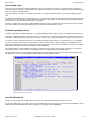
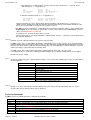
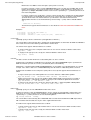
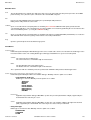
/
Open a drop down menu containing valid prefix command functions for the list window entry. Position the
cursor on the required function and hit <Enter> to action the command.
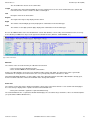
Assigned to PF4 by default.
>
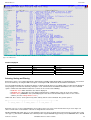
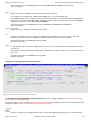
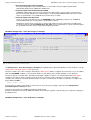
Open a new window containing a zoomed vertical display of the entry's fields. Particularly useful for list
windows that have a large number of displayed columns.
Assigned to PF2 by default.
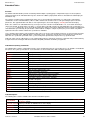
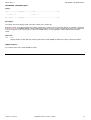
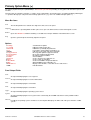
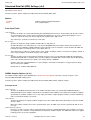
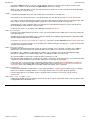
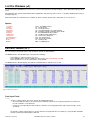
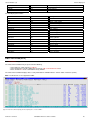
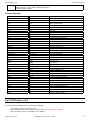
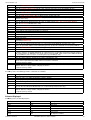
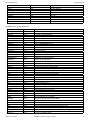
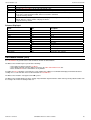
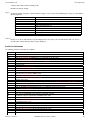
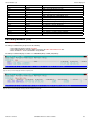
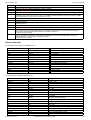
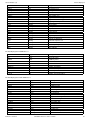
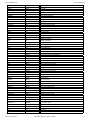
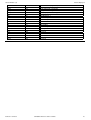
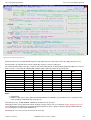
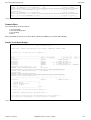
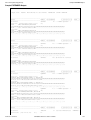
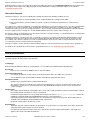
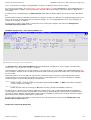
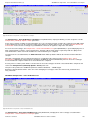
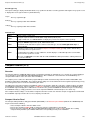
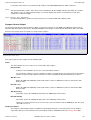
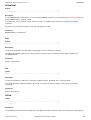
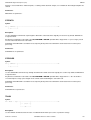
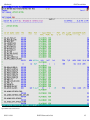
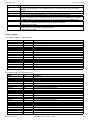
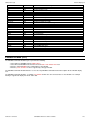
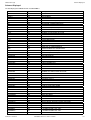
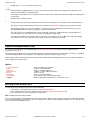
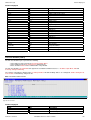
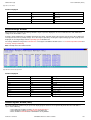
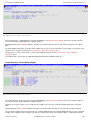
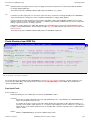
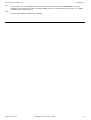
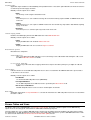
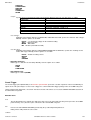
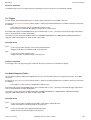
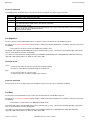
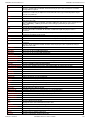
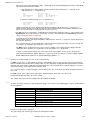
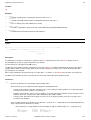
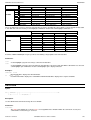
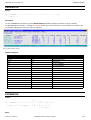
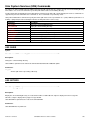
Columns Displayed
Name
Type
Description
Name
ALPair
Filename
T
Enum
Dir entry type
Size
UInt
Bytes Used
Modified
Date
Data Modified Timestamp
Permission
Char
Permissions as displayed by the LS shell command.
Path
ALPair
Path
Owner
Char
Owner name
Group
Char
Group name
Fmt
Enum
File Format
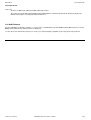
Links
Int
Number of links
Mode
Int
HFS Mode (nnn)
UidX
BitFlag
Set user ID on execution
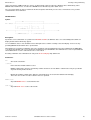
2012-05-11 13:20:00
SELCOPY/i Reference and User Guide
73