1
BackupEDGE / RecoverEDGE Installation & Configuration
Entering the Activation Code
To enter your activation code, you will first need to access the BackupEDGE Control
Menu, and then follow the procedures presented below.
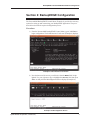
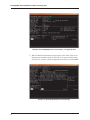
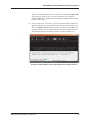
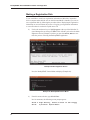
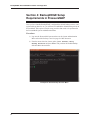
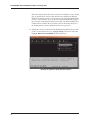
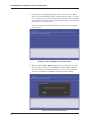
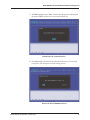
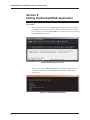
Example 31: BackupEDGE Control Menu
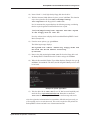
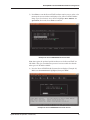
16) From the PressureMAP BackupEDGE Control Menu above, select C, “Configure,” and Enter. The selection displays the Setup Submenu Options on
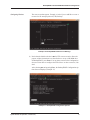
the Main EdgeMenu Screen.
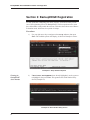
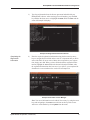
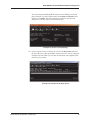
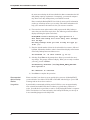
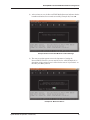
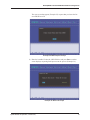
Example 32: Setup Submenu Options
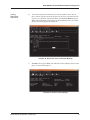
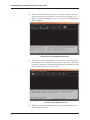
17) Use the right and down arrow keys to highlight Setup, Activate
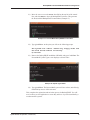
BackupEDGE, as shown in Example 32. Then press Enter.
22