1
BackupEDGE / RecoverEDGE Installation & Configuration
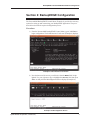
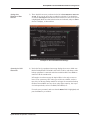
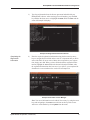
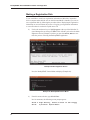
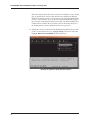
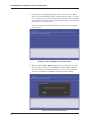
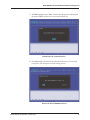
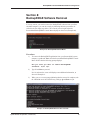
3) From the menu selection, choose option 4, Update MAP System, and
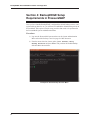
press Enter. This produces the Update Types Menu shown below
(Example 3).
Example 3: Update Types Menu
Supplemental
Update Selection
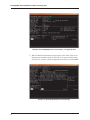
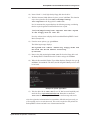
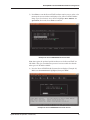
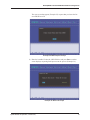
4) Select Supplemental Update by typing 2 and Enter. At this point the
program terminates the standard system processes that are underway and
displays the prompt shown below.
Stopping MAP Processes ....
Inserting
PressureMAP
Installation CD
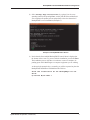
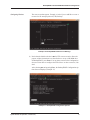
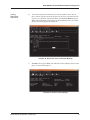
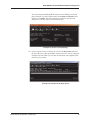
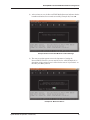
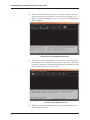
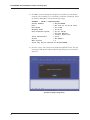
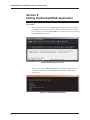
5) Next you are prompted to insert the PressureMAP Installation CD-ROM into
the CD/DVD drive (Example 4).
Example 4: Supplemental Update Screen
System Studies Incorporated (2580806.FSD)
5