1
BackupEDGE / RecoverEDGE Installation & Configuration
Section 2: BackupEDGE Configuration
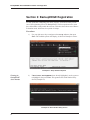
The PressureMAP BackupEDGE Control Menu (Example 8) provides the necessary
options for setting up and customizing your BackupEDGE application. The procedures below describe the required configuration process.
Procedure:
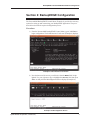
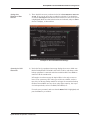
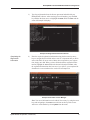
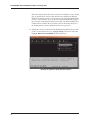
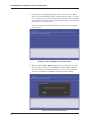
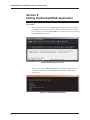
1) From the PressureMAP BackupEDGE Control Menu, type C and Enter to
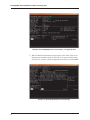
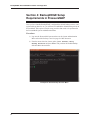
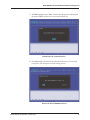
begin configuration. The Initial Resource List Screen (Example 9) displays.
Example 9: Initial Resource List Screen
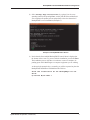
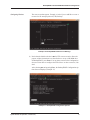
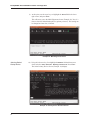
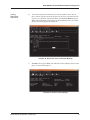
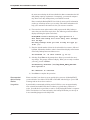
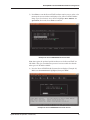
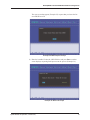
2) Near the bottom of the screen you will notice that the Next field is highlighted. Use your right arrow key to highlight the Cancel field, then press
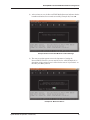
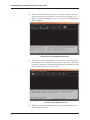
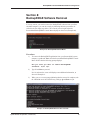
Enter. At this point the Main Edgemenu Screen displays (Example 10).
Example 10: Main Edgemenu Screen
System Studies Incorporated (2580806.FSD)
9