1
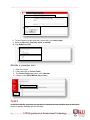
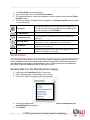
8. To see events for a day other than Current day, click Quick Jump.
9. Select a date and a view (Day, week, or month).
10. Click Submit and OK.
Access a Calendar Item
1.
2.
3.
4.
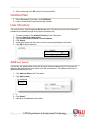
Open the course.
Locate and click on Course Tools.
The Course Tools page opens, click Calendar.
Choose a view (Week Month, Day or Year).
Tasks
As with the calendar, instructors can set tasks for students and are available when an individual
course is opened. Students can also set tasks.
4
UIW Department of Instructional Technology