1
Setting a Task
1.
2.
3.
4.
5.
6.
7.
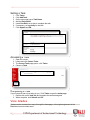
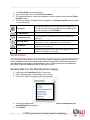
Click Tasks.
Click Add Task.
On the next page type a Task Name.
Add the Description.
Under Due Date, set a date to complete the task.
If necessary, set a priority for the task.
Click Submit and OK.
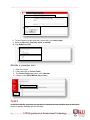
Accessing a Task
1.
2.
3.
4.
Open the course.
Locate and click Course Tools.
The Course Tools page opens, click Tasks.
Choose a Task.
Completing a Task
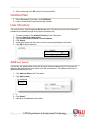
If your instructor has set up tasks for you, Click Tasks to open the tasks page.
1. Double-click on the task link and complete the task as assigned.
2. When complete, click Submit and OK.
View Grades
Grades can be accessed two ways; through the homepage, or through assignments in the
Blackboard course content area.
5
UIW Department of Instructional Technology