1
Modifying an Existing Post VM Search
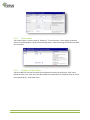
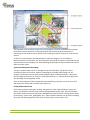
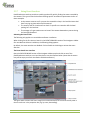
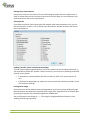
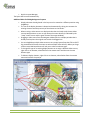
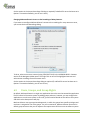
If you want to change an existing Post VM search, simply click on the search in the Event Searches
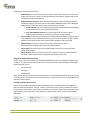
section of the Navigator sidebar panel. You can now edit the window as outlined in “Creating a Post
Video Motion Search” above or create new windows, move and delete them, etc.
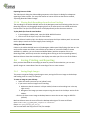
Once you are done, click on the Search button to restart the search.
5.5.9
Using the Video Search
If you have defined an external recording target (file server) for the relevant video source or the
camera has an SD/CF card for internal storage, the camera can store large amounts of data.
Searching all of this data may prove to be challenging, especially when dealing with several cameras
at once.
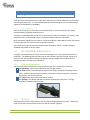
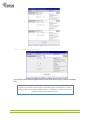
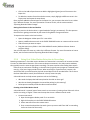
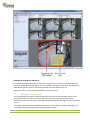
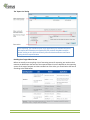
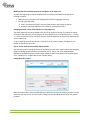
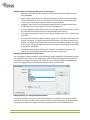
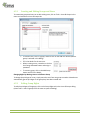
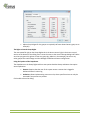
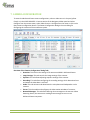
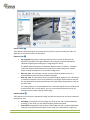
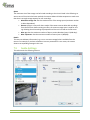
This is where the Video Search dialog provides extensive search features. To open the dialog, click
on the Open Event Search button in the MxControlCenter toolbar.
TSP Series User Manual
91