1
Failing Inspections
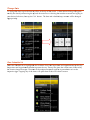
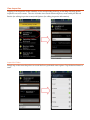
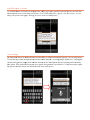
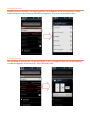
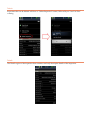
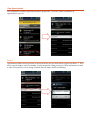
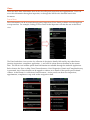
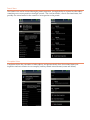
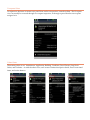
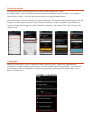
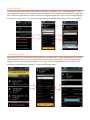
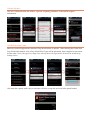
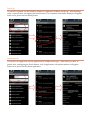
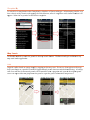
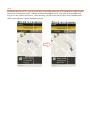
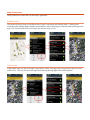
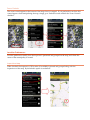
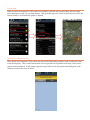
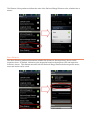
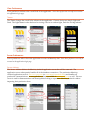
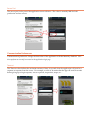
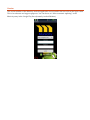
To fail an inspection, open the inspection’s status list and selecting the “Failed” (or similar) status. Users can add notes and/or results describing the reason for failure. An example is shown below in Step 2. Once the status and results are set, tap the Submit button. Some inspections, such as recurring or fire safety inspections, will request additional information from the inspector. In the example, the user is asked if they would like to create a complaint. Once additional values are entered, the inspection will be failed and a status box will confirm. The color of the pin will change to red. Create New
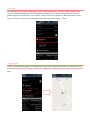
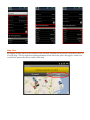
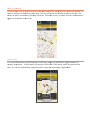
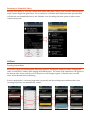
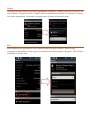
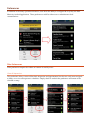
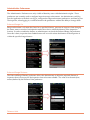
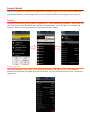
Municity Android allows user to create new items for specific types. Inspections, Appointments, Complaints, Violations and Stop Work Orders can all be created within the application. Create buttons are commonly found at the bottom of screens, and in particular at the bottom of specific object views. Below is a Parcel View.