1
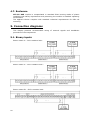
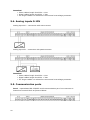
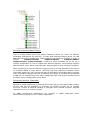
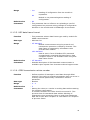
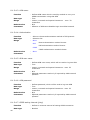
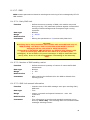
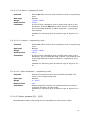
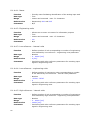
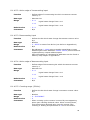
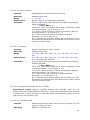
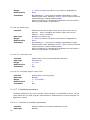
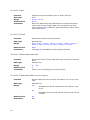
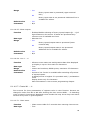
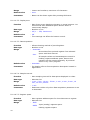
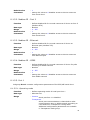
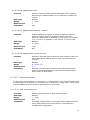
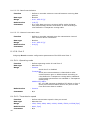
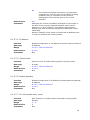
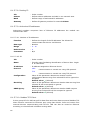
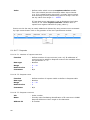
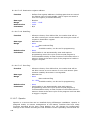
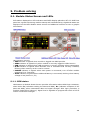
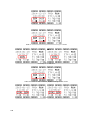
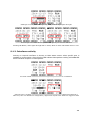
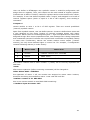
8.1.4.9. Display MT-151 HMI is equipped with 128x64 graphical panel used for presenting device status and user information in both textual and graphical form. User has possibility to add his own textual welcome screen, up to eight textual data screens and up to four charts. Presented data and text can change dynamically according to changes of register values or bit states. All screens change automatically in cycle. Status screens change automatically every 10s while display time of the user defined screens is configurable. User can also navigate through screens using arrow buttons located on right from screen. Pressing ESC button stops automatic screen change mechanism for 5 minutes. Below is a description of each screen. Start screen After power up the module or upload a new configuration on display is shown startup screen with manufacturer logo and actual firmware version. Start screen cannot turned off. Status screens In default configuration module presents three status screens: Module status screen - presents digital I/Os state, module date and time, GSM modem state/signal, GSM modem activity (Tx and Rx), program status (RUN, STOP, WAIT, NONE), Ethernet link status ETH Lnk(if Ethernet is turned on) and serial ports activity (Tx and Rx for active ports, only P1 is shown on the picture below). Current analog inputs status screen - presents in engineering units with engineering unit name values measured on analog inputs AI1 - AI4 and digital I/Os state. Power and voltage analog inputs status screen - presents in engineering units with engineering unit name values measured on analog inputs AV1 – AV2, mains power supply voltage, battery voltage (if available) and digital I/Os state. 65