1
4.2. INTEGRATING MODULES INTO THE TESTBED
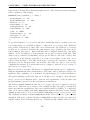
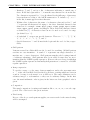
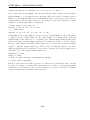
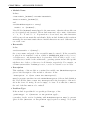
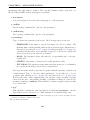
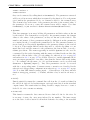
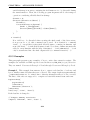
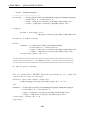
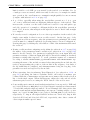
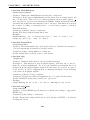
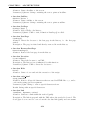
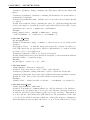
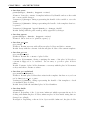
• defaultvalue
If a parameter is not set by the testbed, the module will internally use this default
value. Note that the module will use its internal default value, even if the internal
default value is different from a false value misleadingly set here. The value set
here is of pure informative nature. It even need not be valid with respect to the
type and subrange settings.
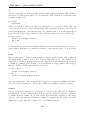
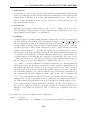
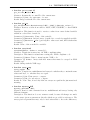
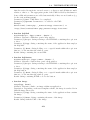
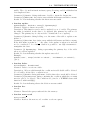
• paramrange
Subrange for parameter types such as :<0, :(1,2], :>=500, :{0.1,0.3,1.5}.
This information will presented together with the type information to the user
when defining an algorithm or a configuration.
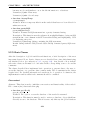
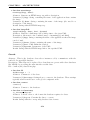
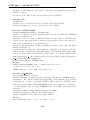
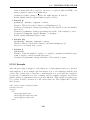
• condition
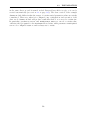
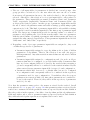
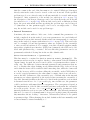
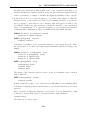
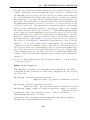
A regular expression defines which parameter values will be accepted as input from
the user. If the module definition file was generated with tool gen module from mhs.php,
the type information (and most subrange information) from the command line interface definition output of the module for this parameter will be used to generate
a regular expression. This regular expression is used to check whether an actual
setting of this parameter, i.e. whether the setting can be interpreted as a value of
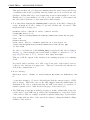
the subrange of the type. Regular expressions for complex numerical intervals are
not generated automatically. Complex numerical intervals are only translated to
a regular expression checking the type restriction. In particular, any open, closed,
or half-open intervals are only used to check any given default value but are not
used to check for proper user input later. Additionally, only <= x, <= x, > x,
>= x with x = 0 will be translated. If additional subrange for complex numerical
intervals is needed, the user has to modify the regular expression manually here. If
the regular expression entered here does not work properly, an error will occur later
when using the web front end. Besides, the regular expression entered or modified
here manually might not be conform with the type and subrange information of
the command line interface definition output of the module and consequently will
not be conform with the information given for the parameter when setting a parameter value. For more information about forming proper regular expressions see
the PHP-manual ’Regular Expression (Perl Compatible), Pattern syntax’ ([54]).
Note: In paragraph ’Parameter Subrange Checking’ on page 274 in chapter 6 on
page 271, two utility programs for automatic generation of regular expressions for
intervals of real values are described. The tools have not completely tested yet,
though.
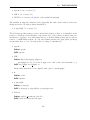
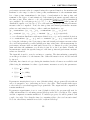
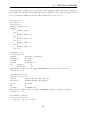
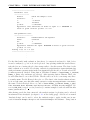
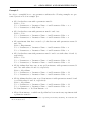
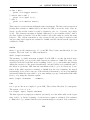
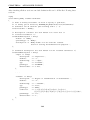
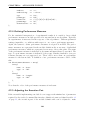
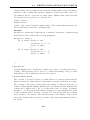
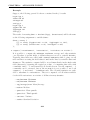
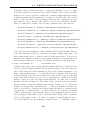
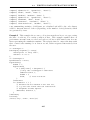
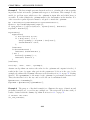
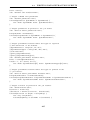
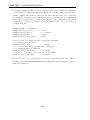
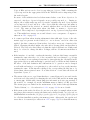
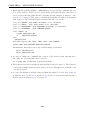
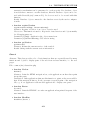
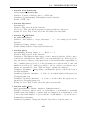
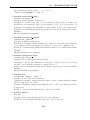
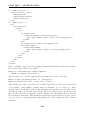
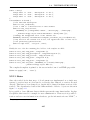
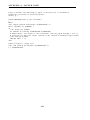
In a nutshell, a parameter definition can look like this:
’tries’ => array(
’description’
=> ’Number of tries (=repetitions) of algorithm’,
189